
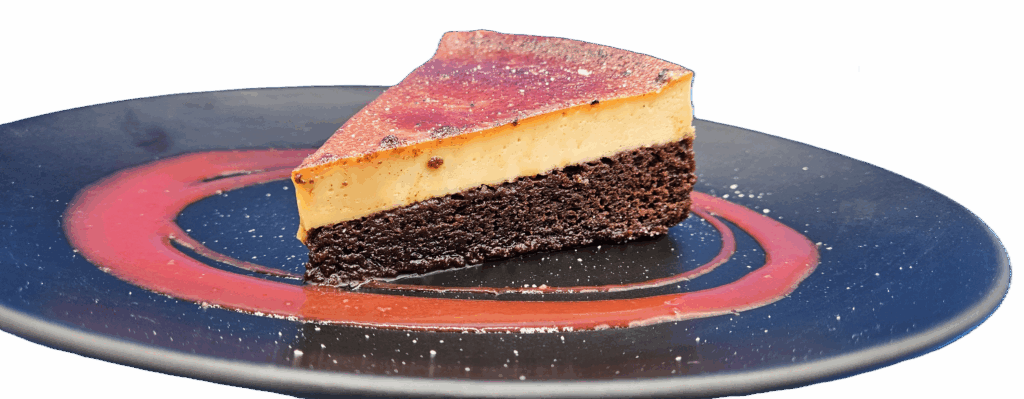
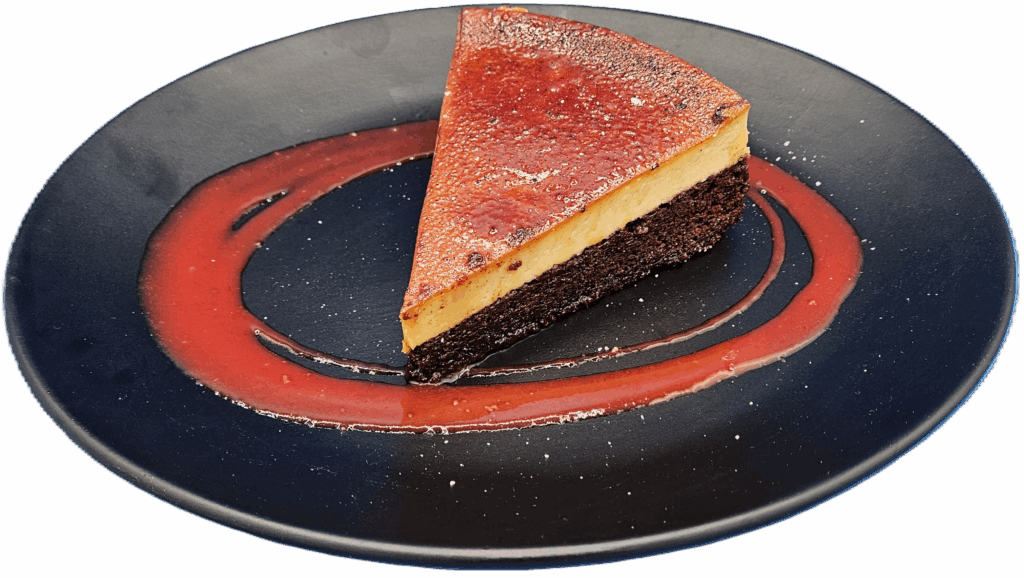
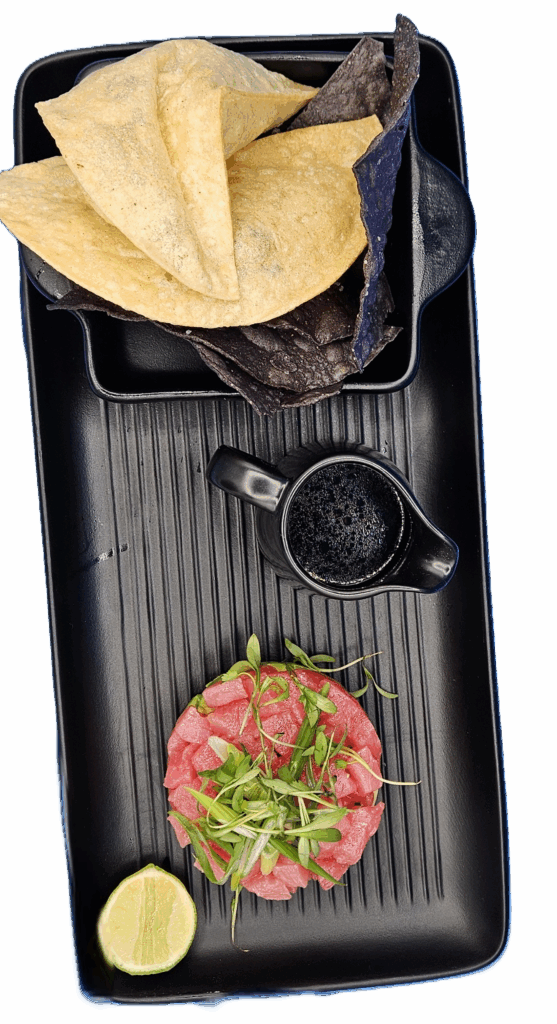
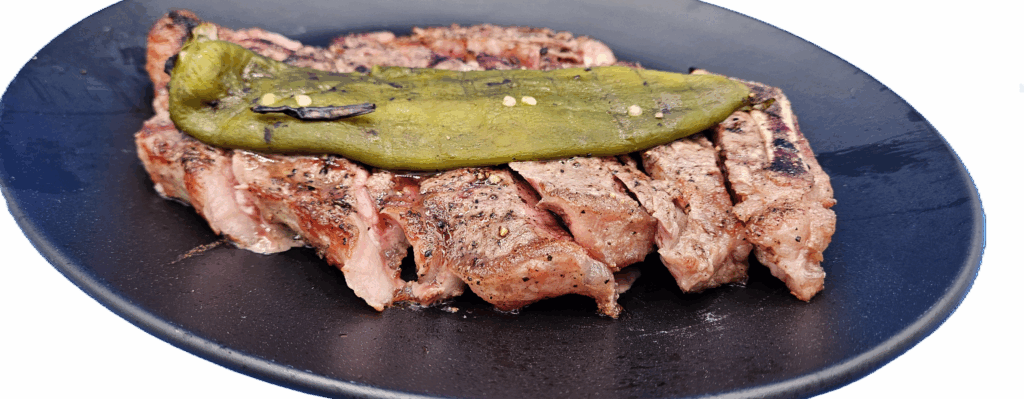
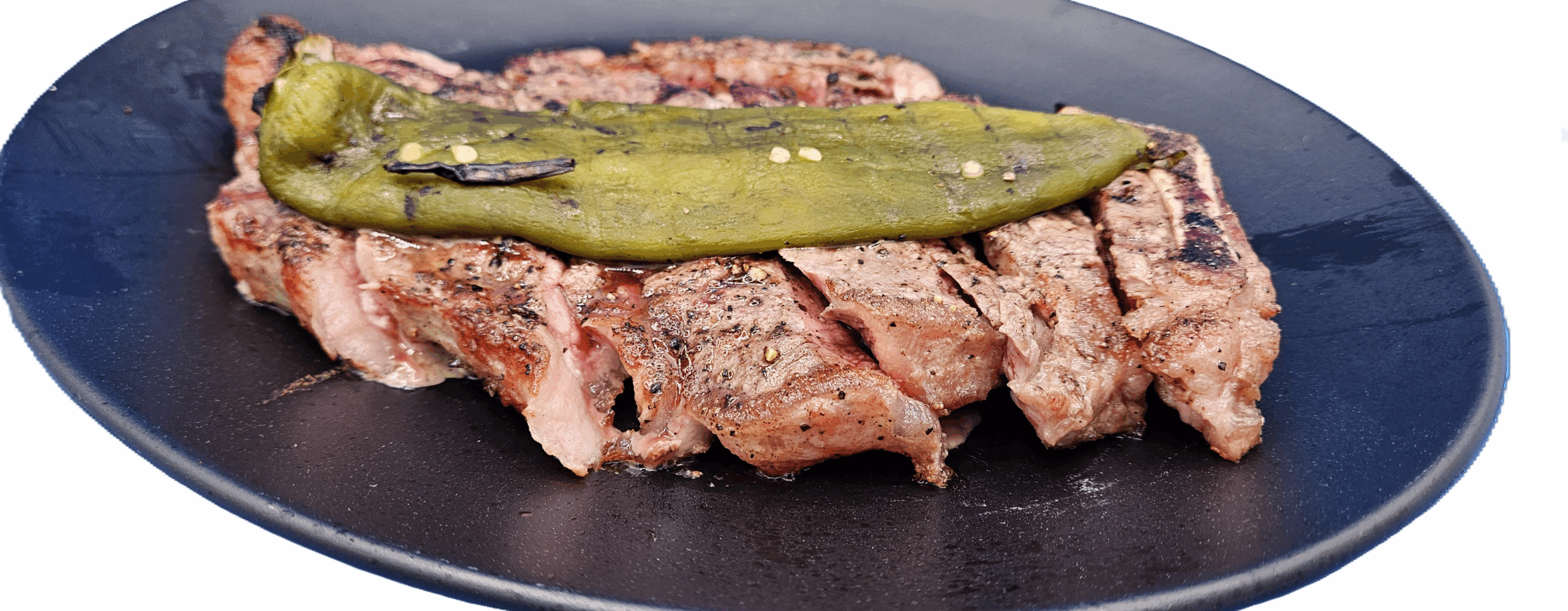
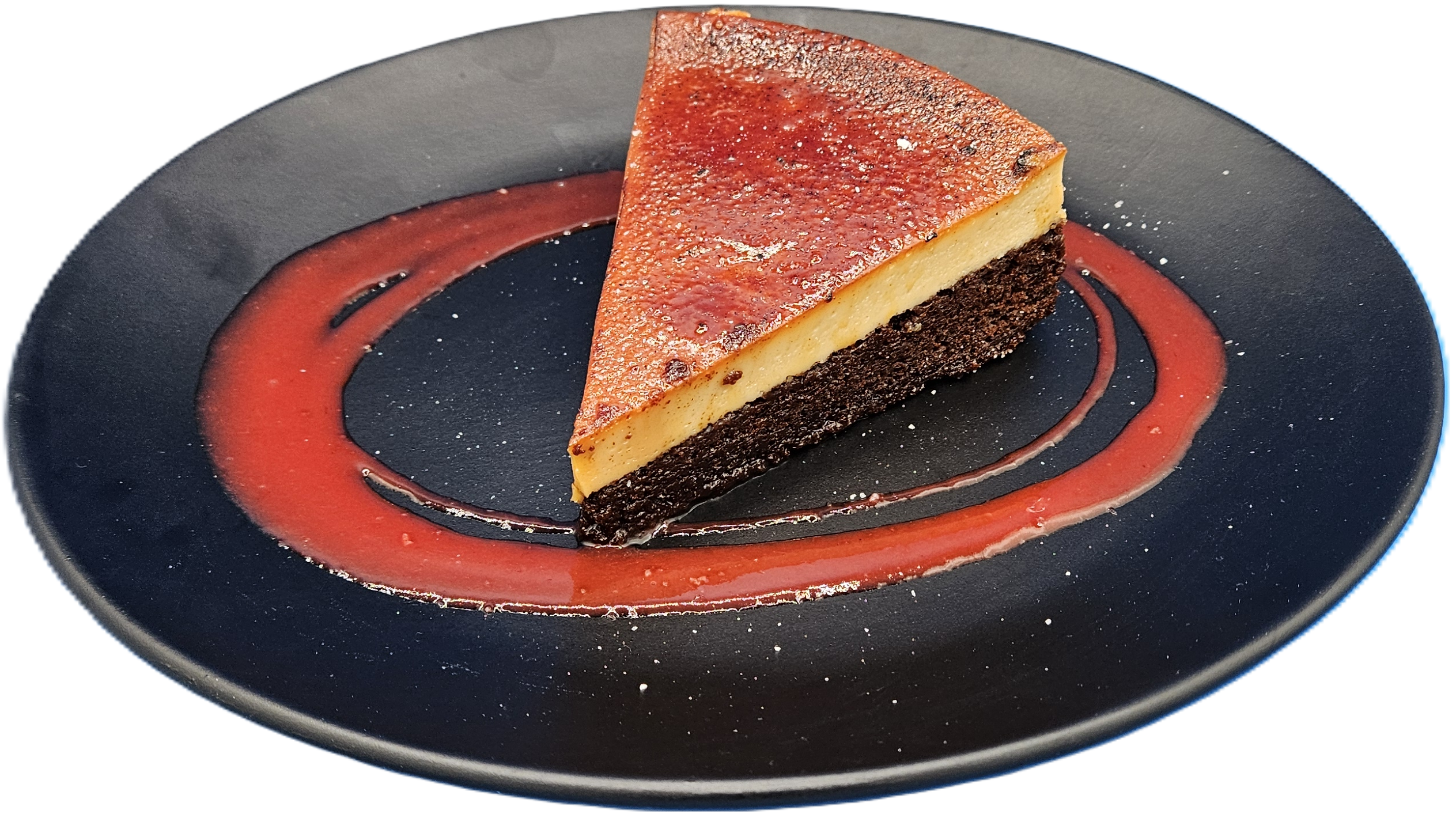
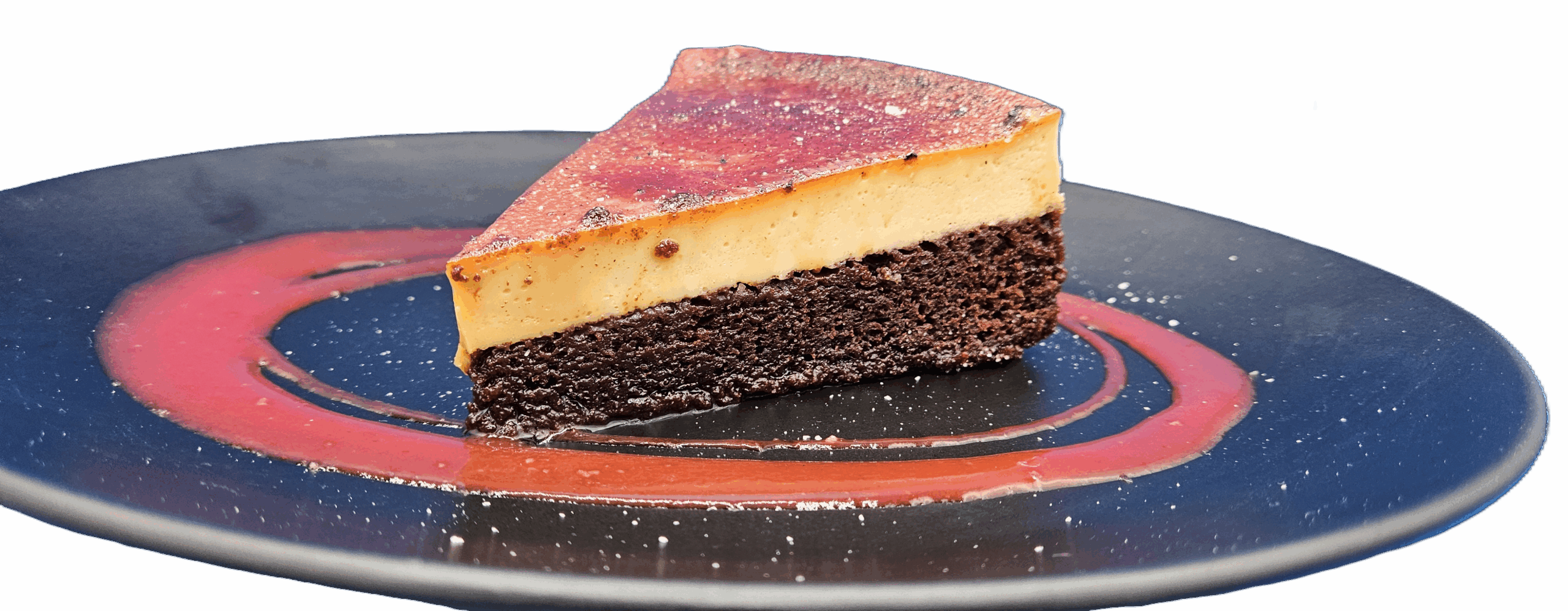
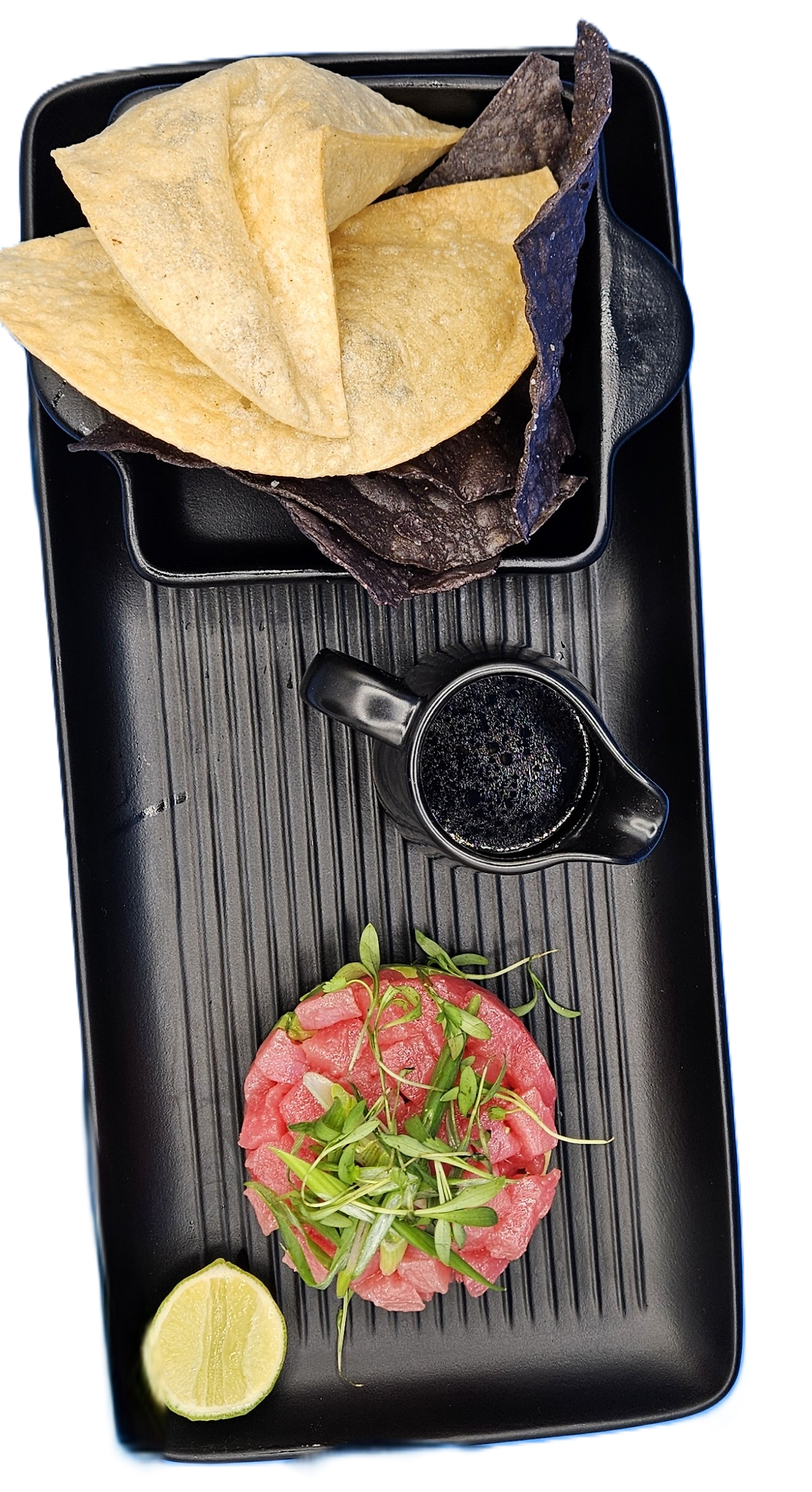
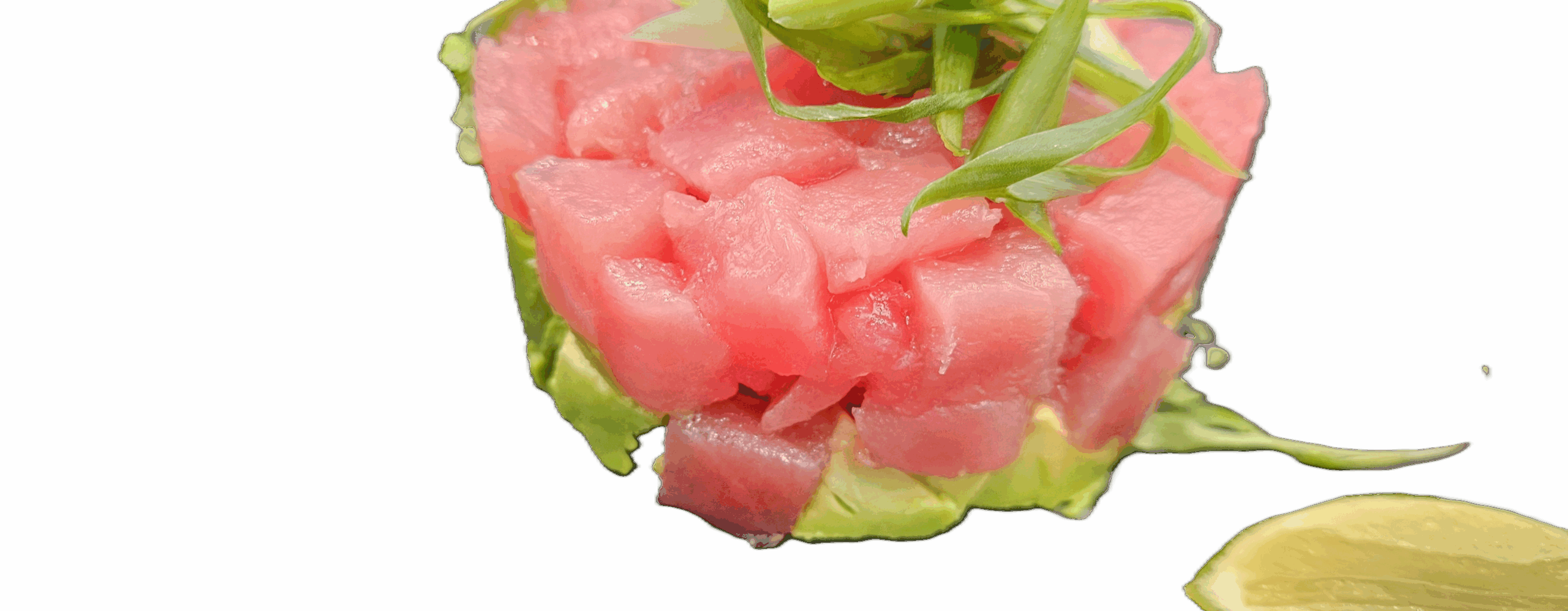
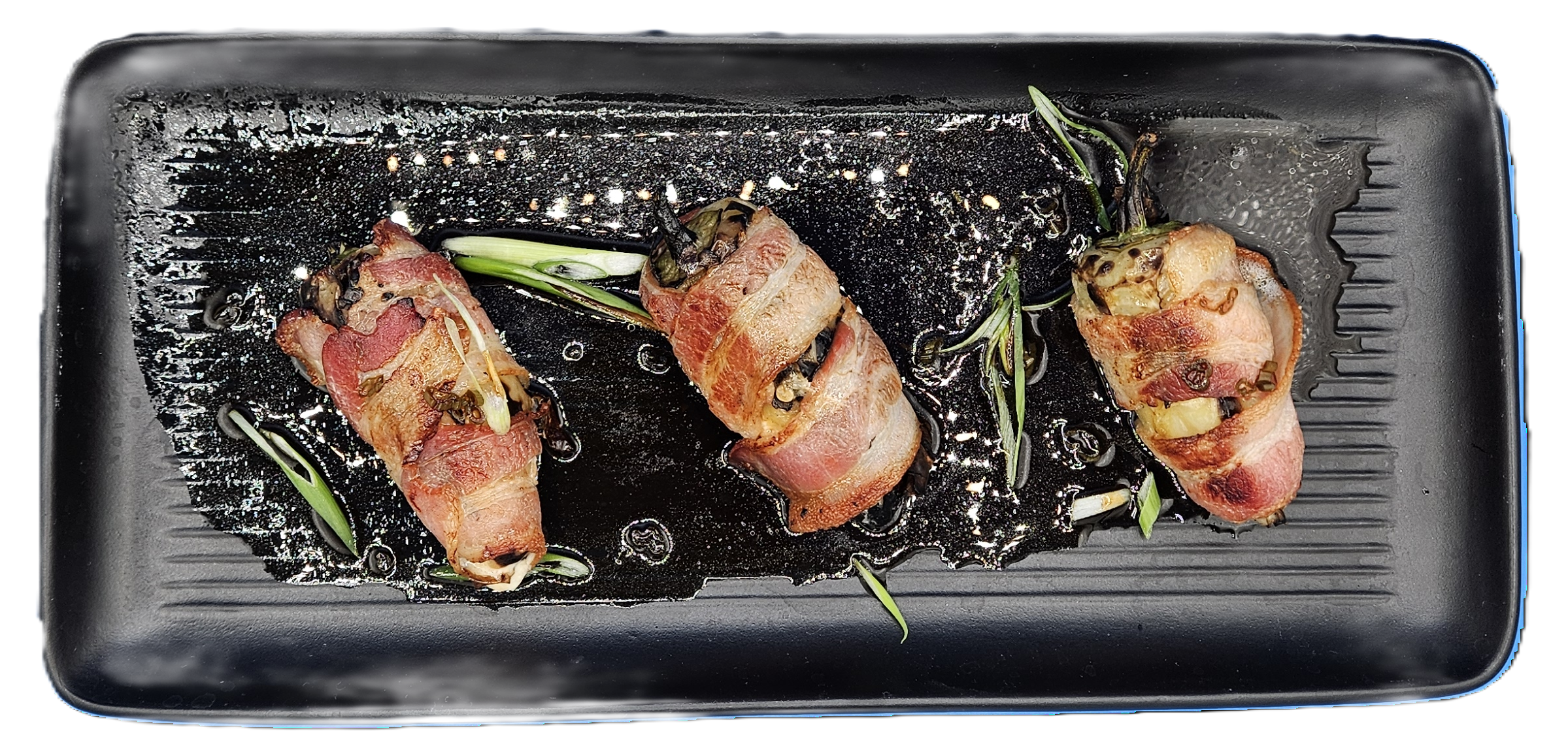
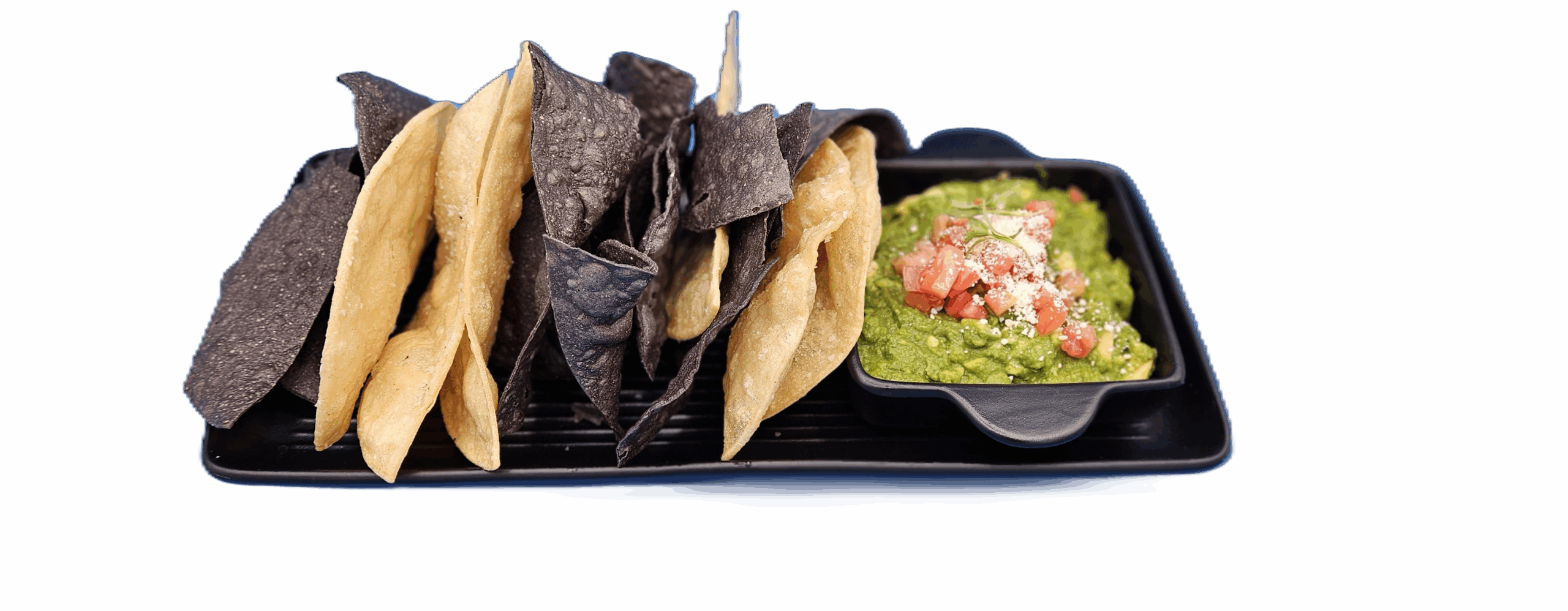
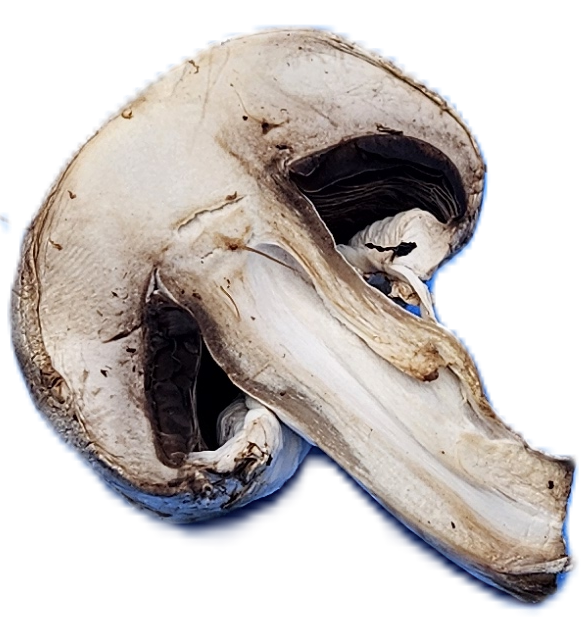
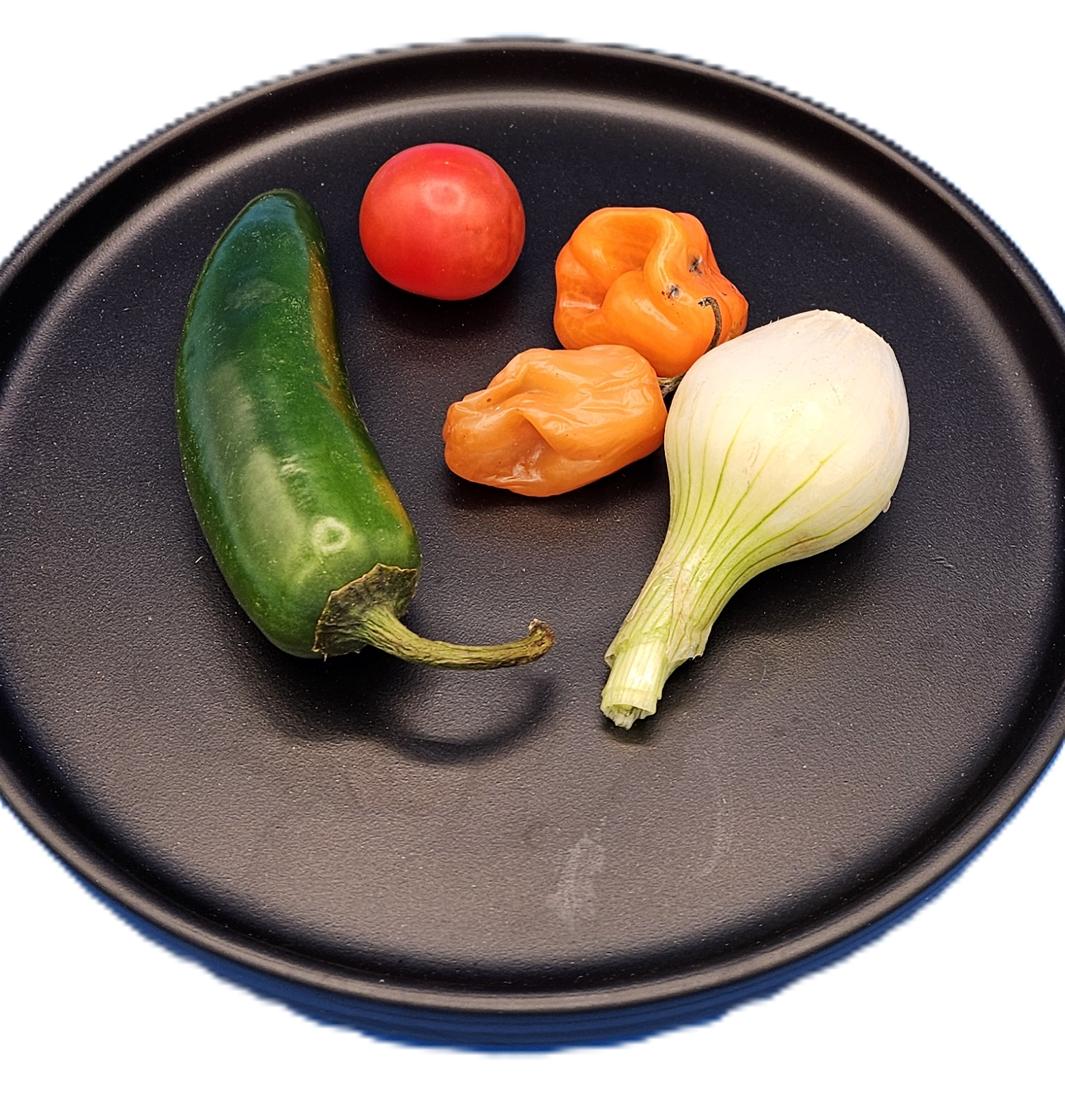
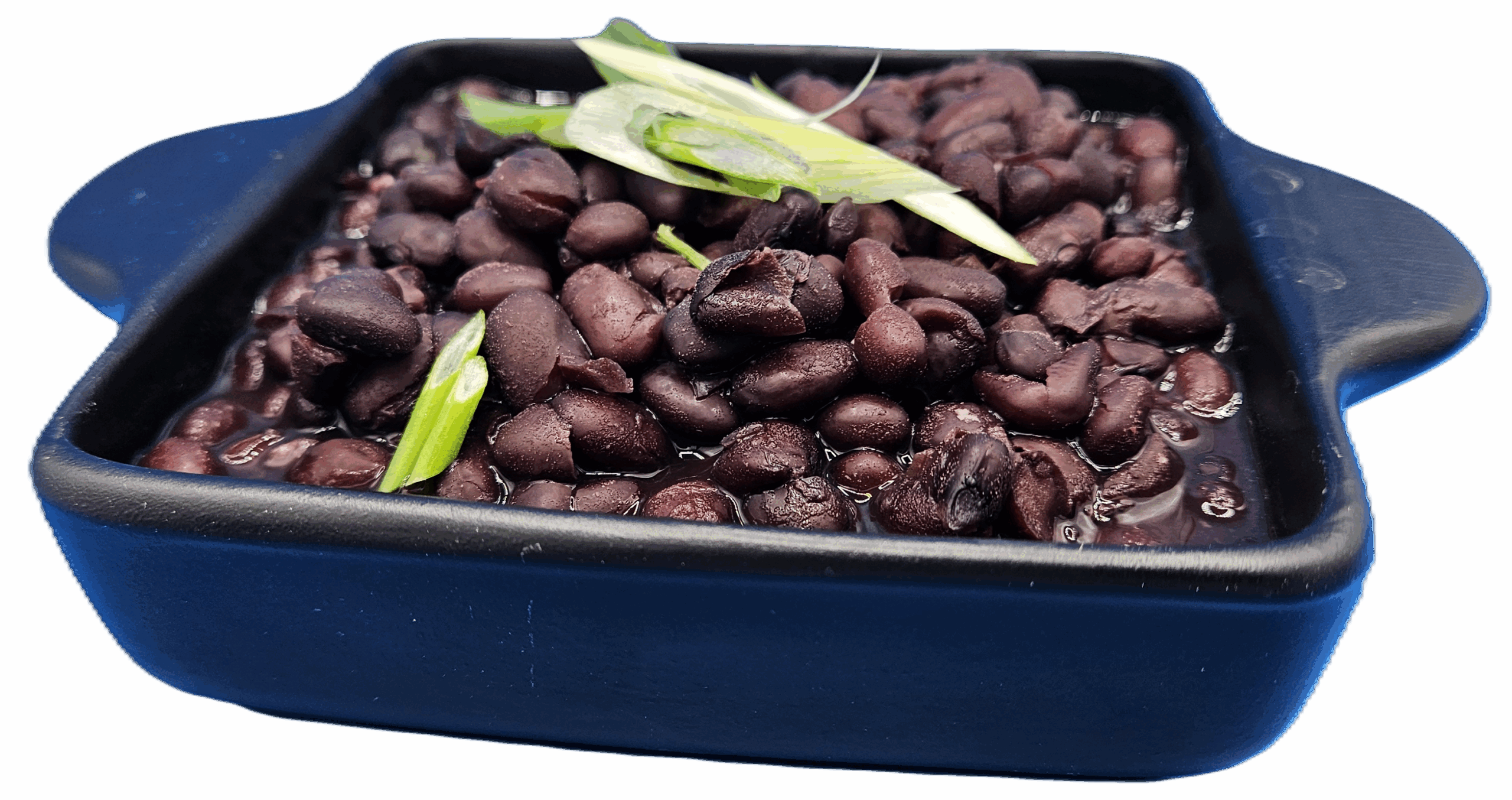
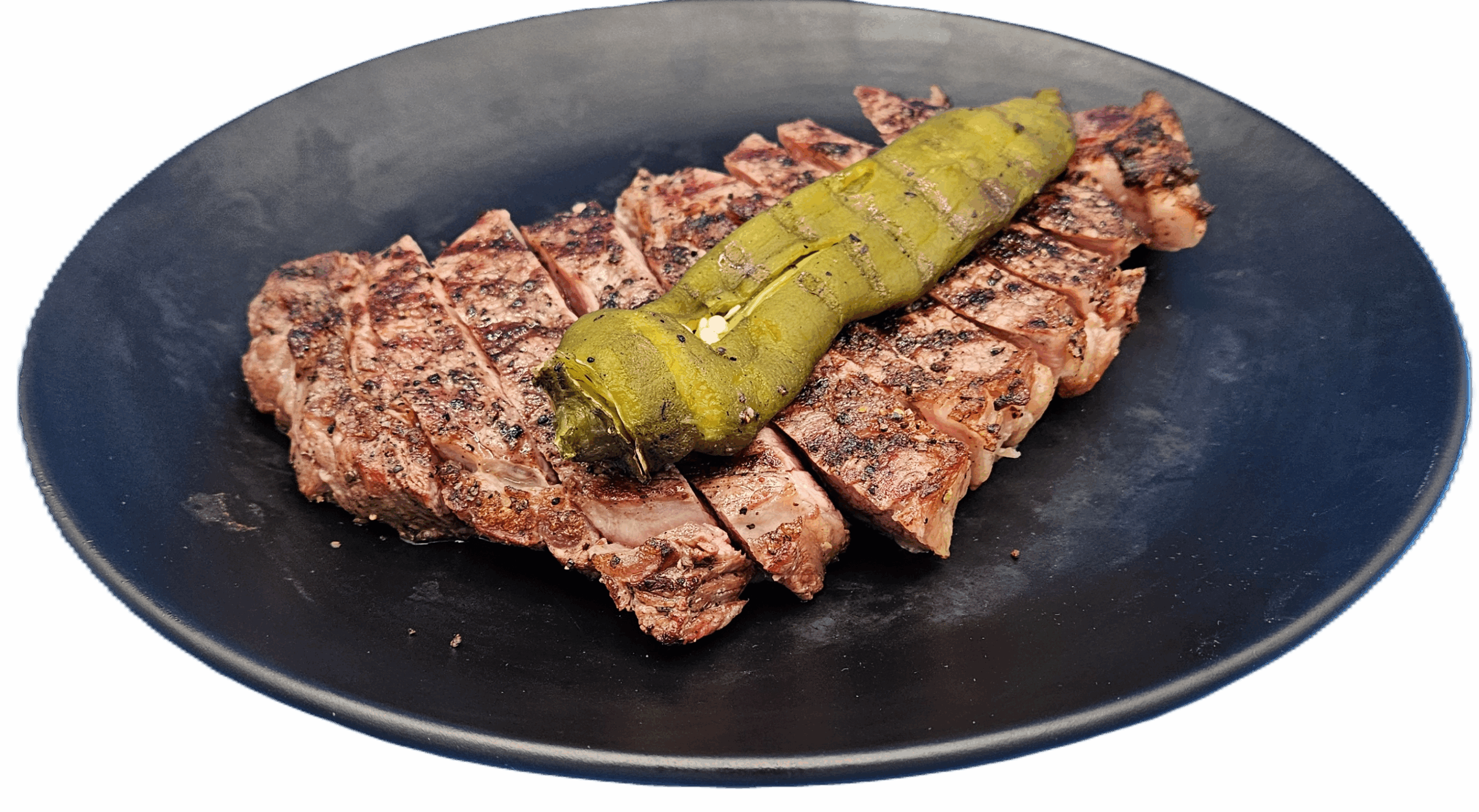
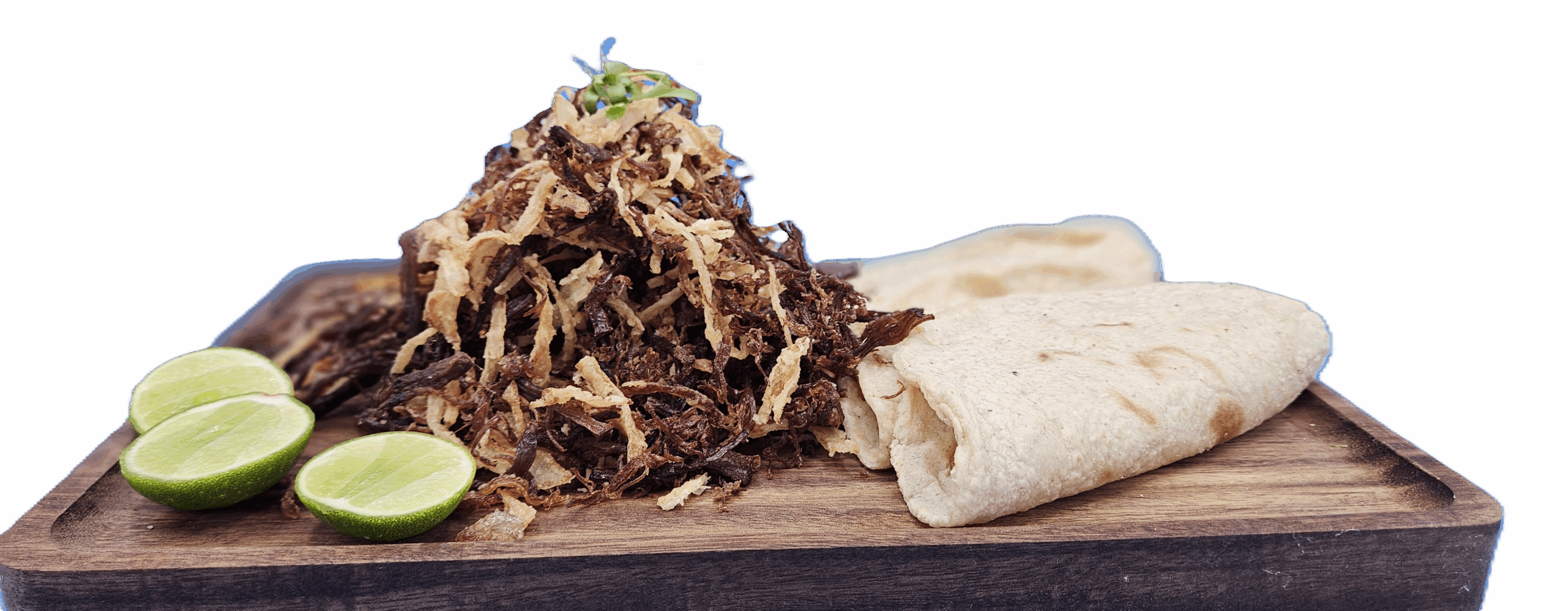
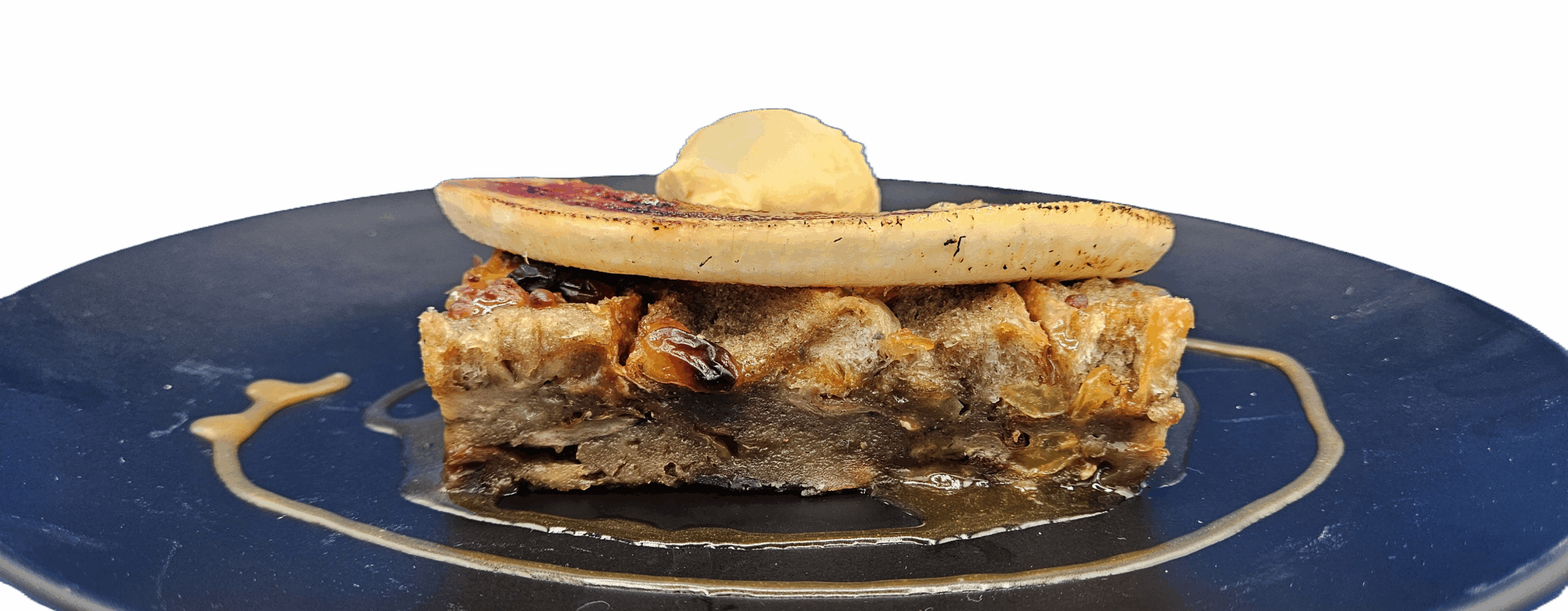
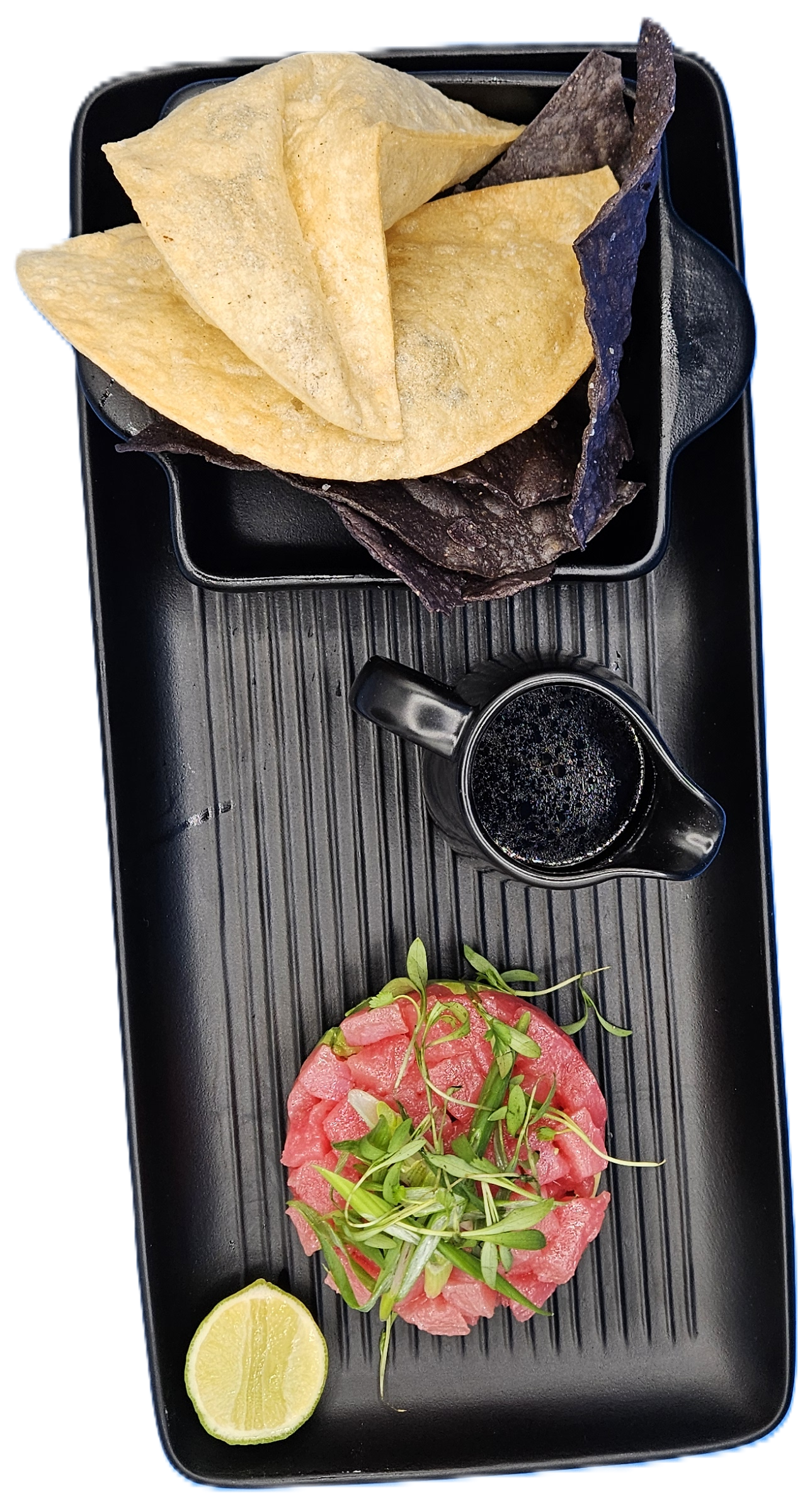
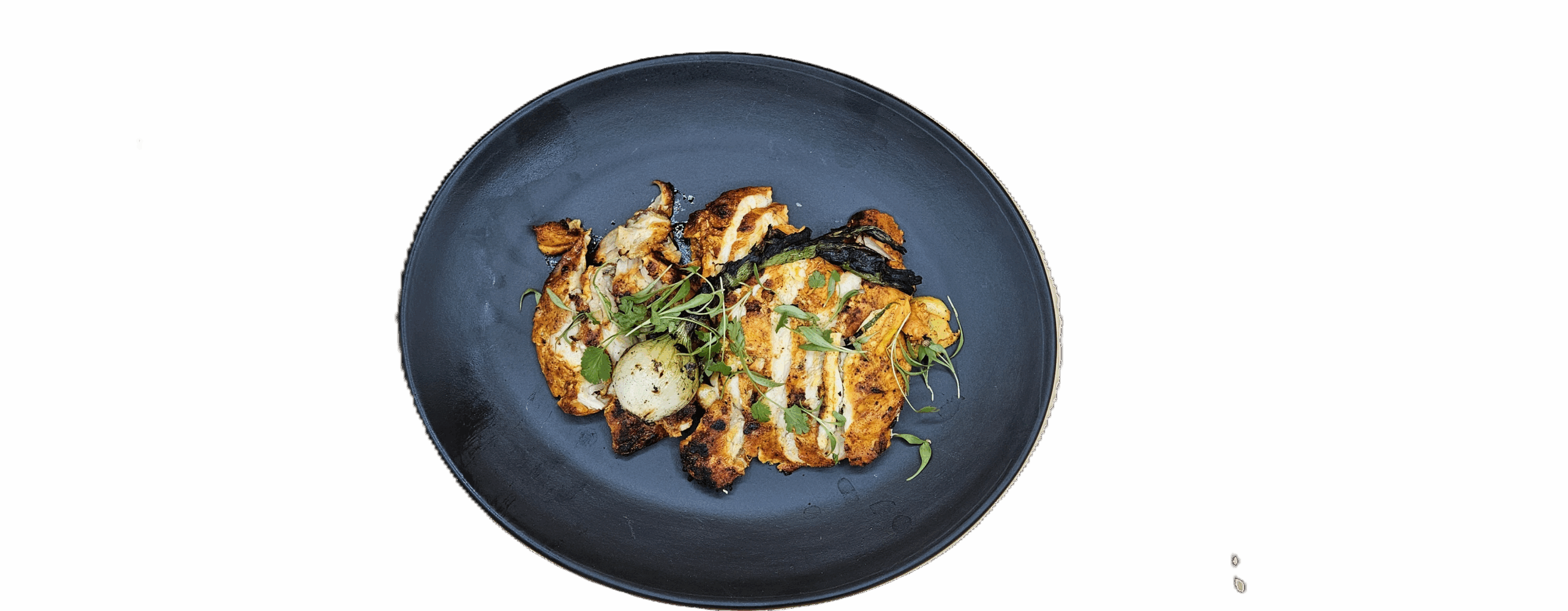
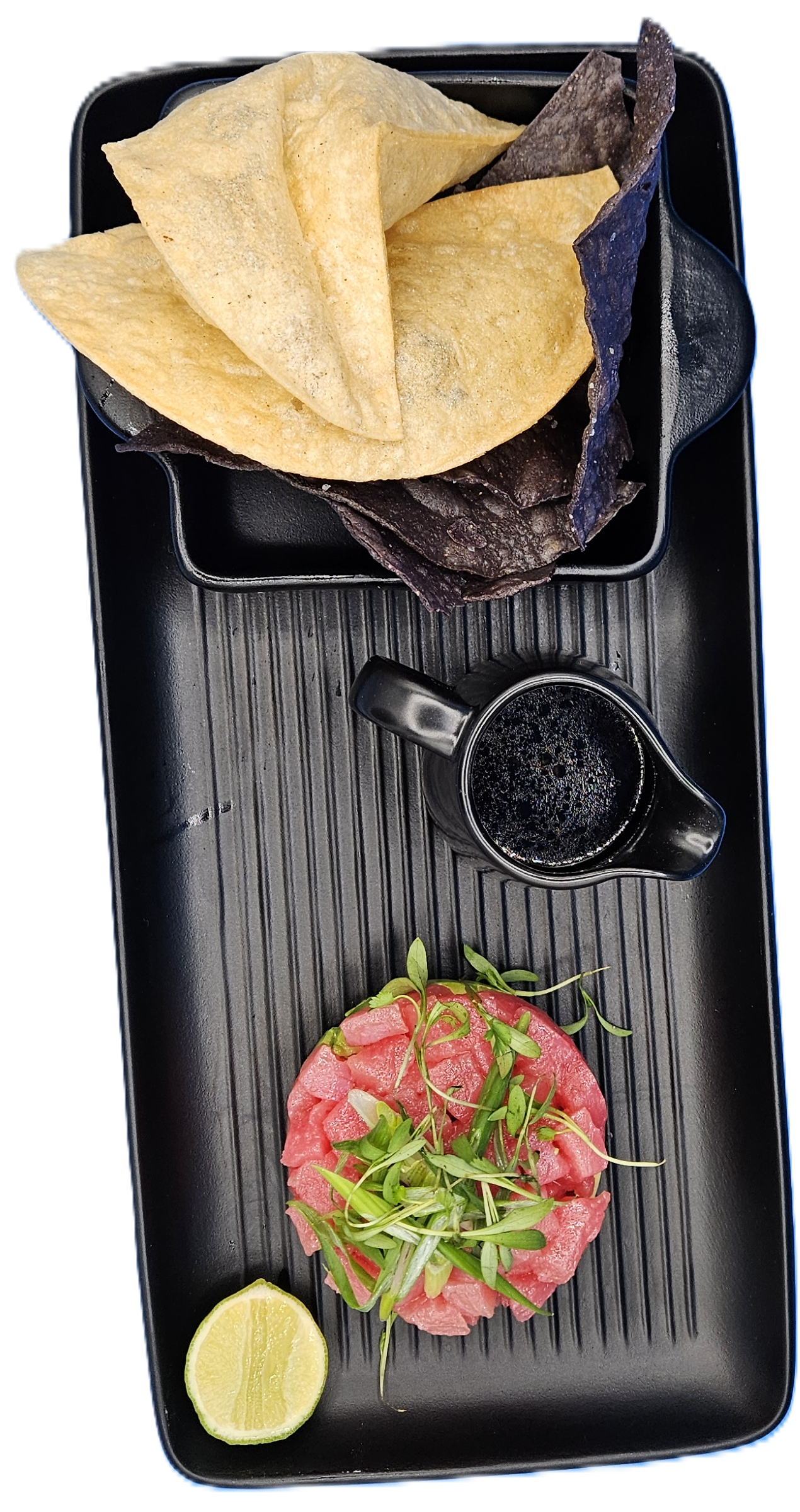
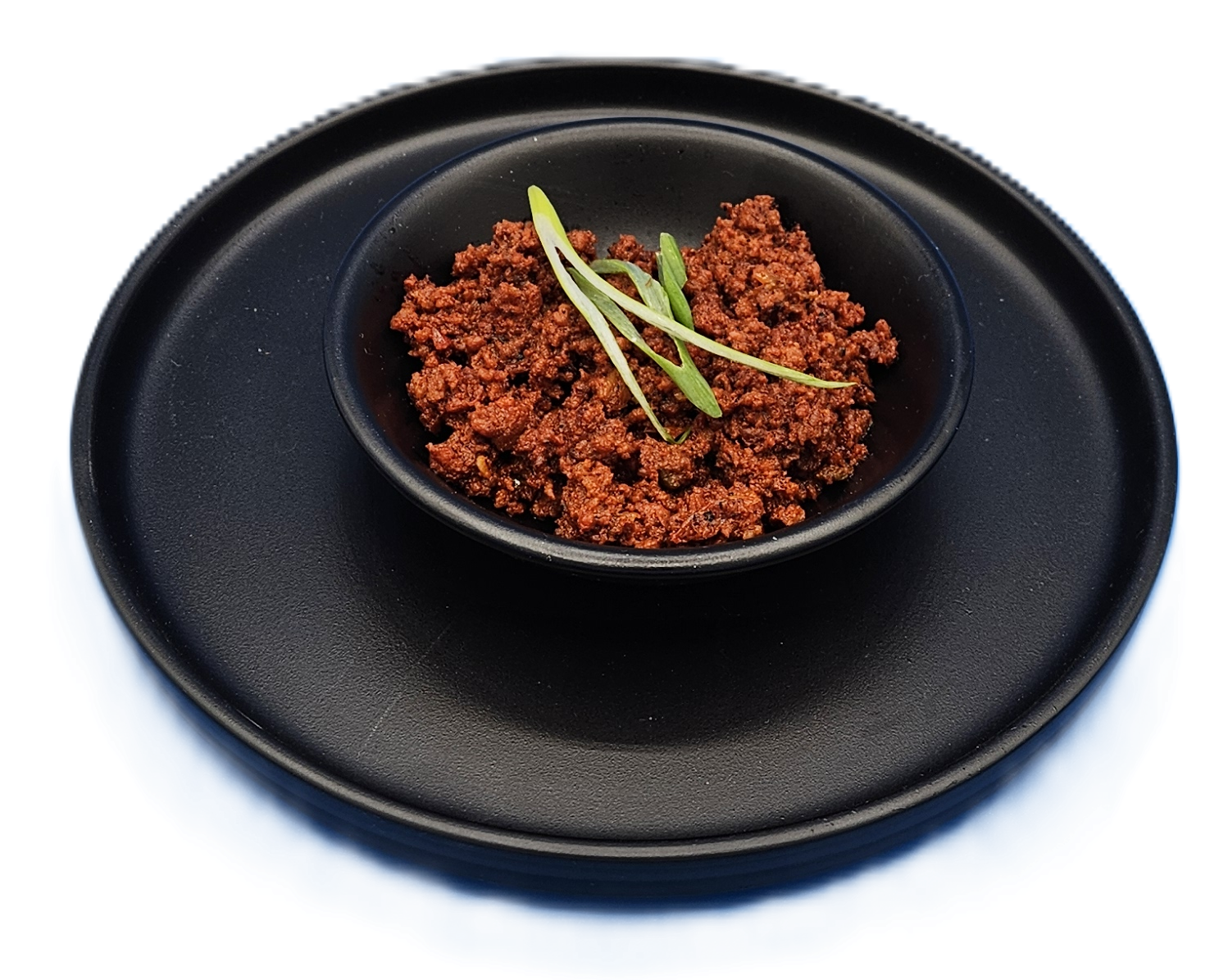
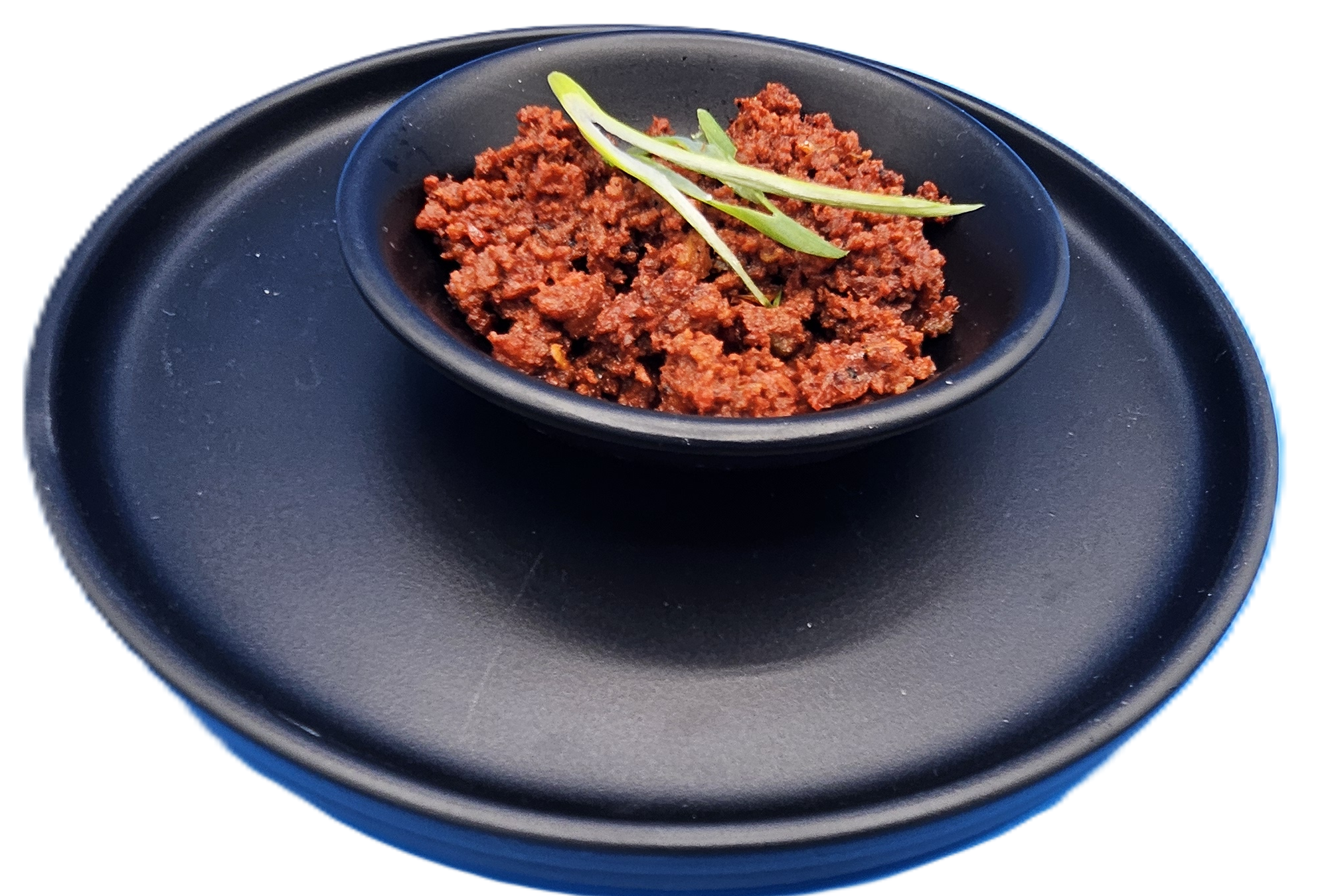
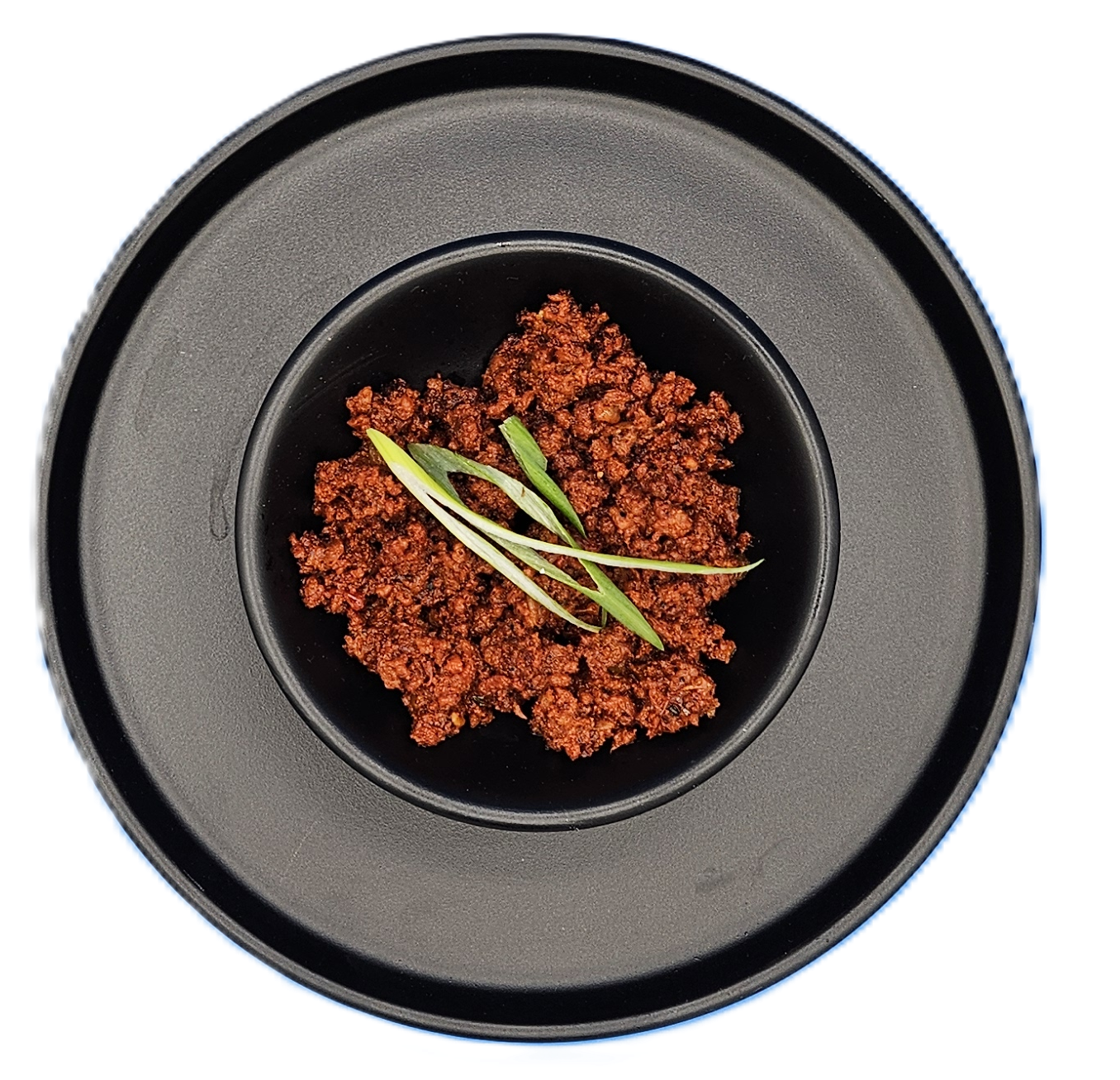
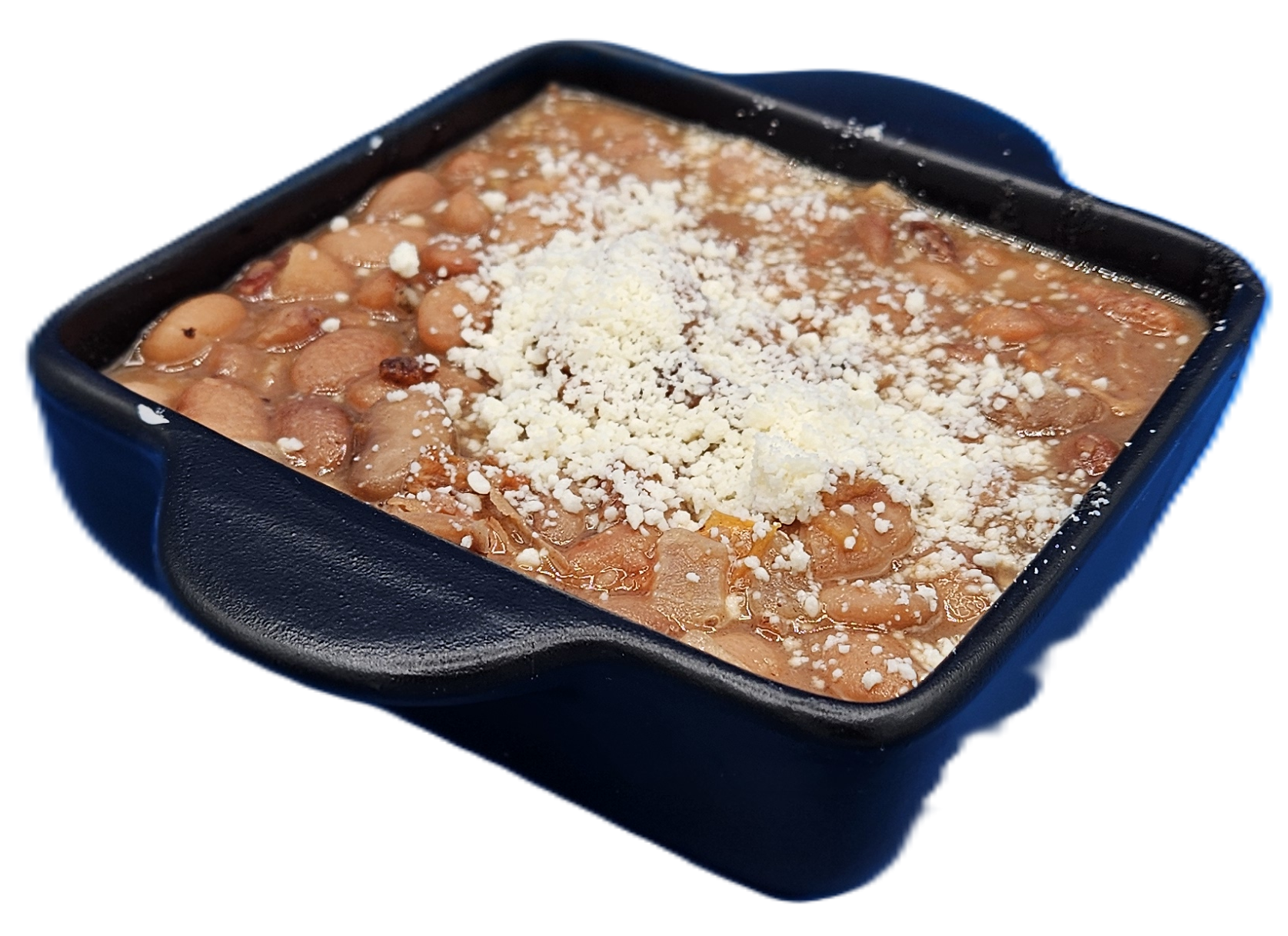
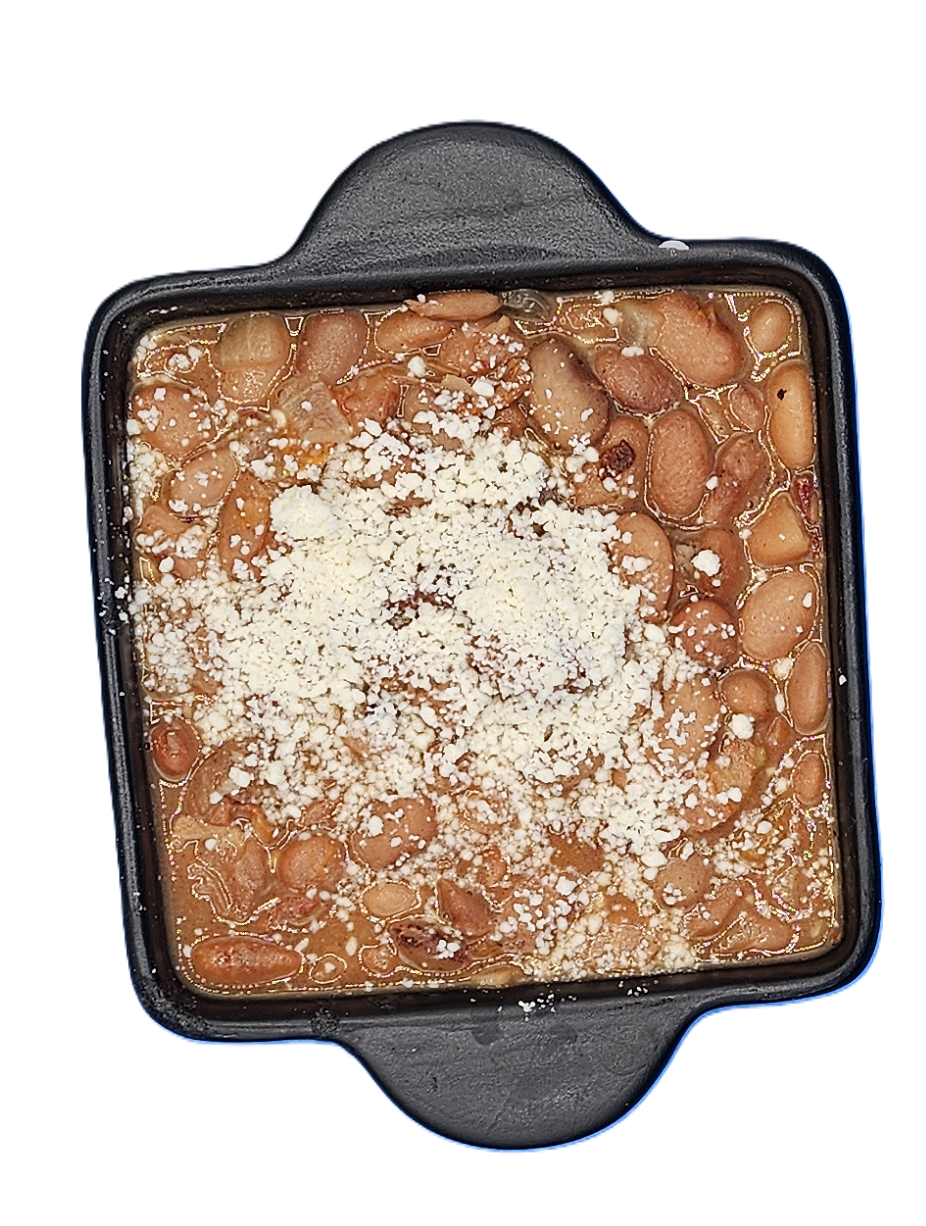
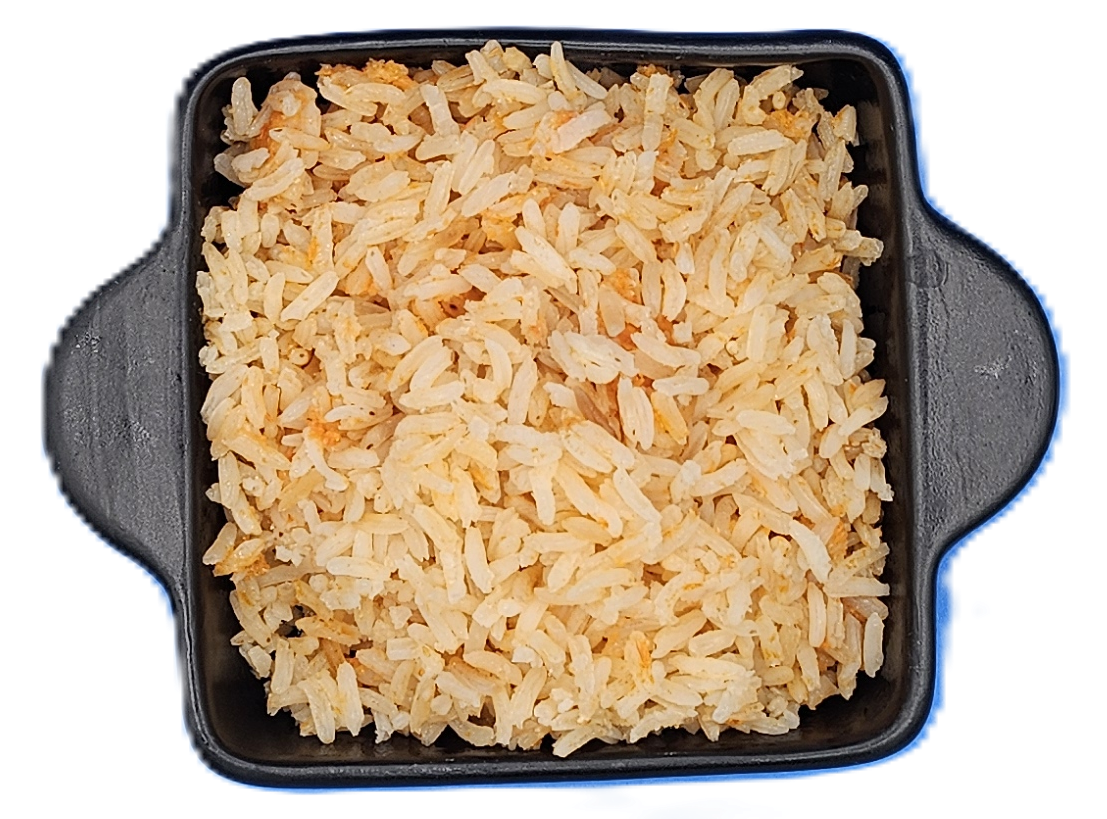
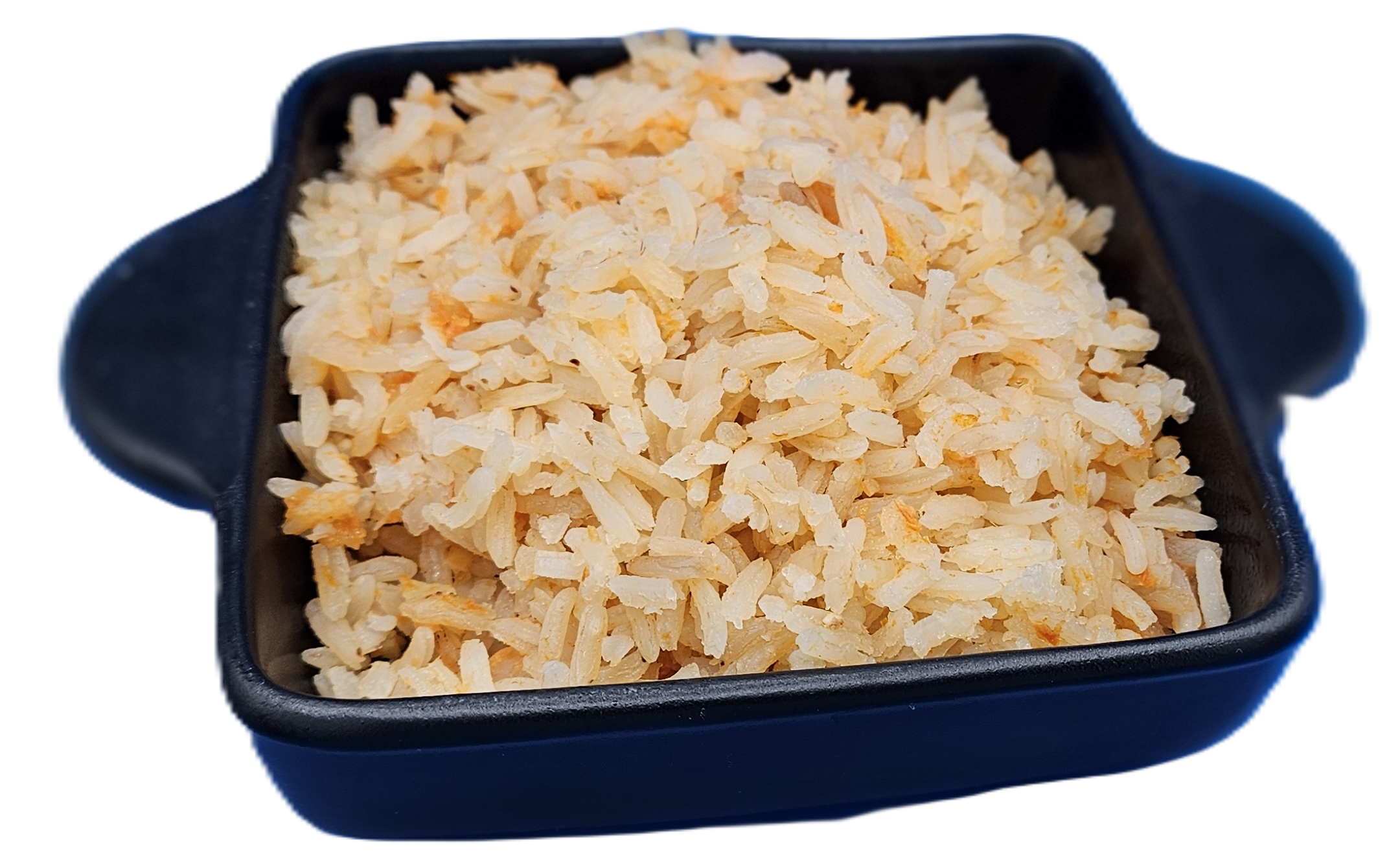
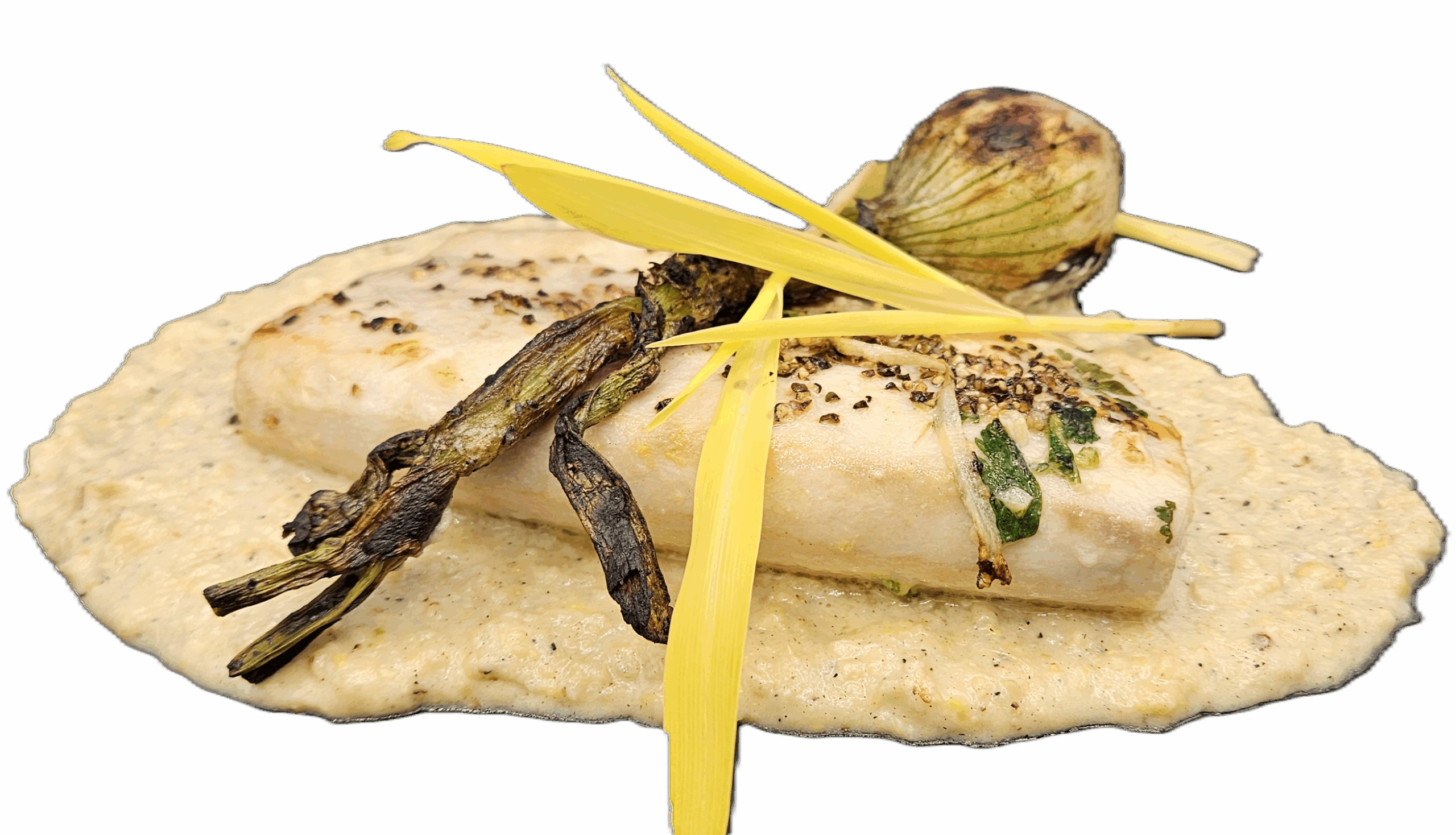
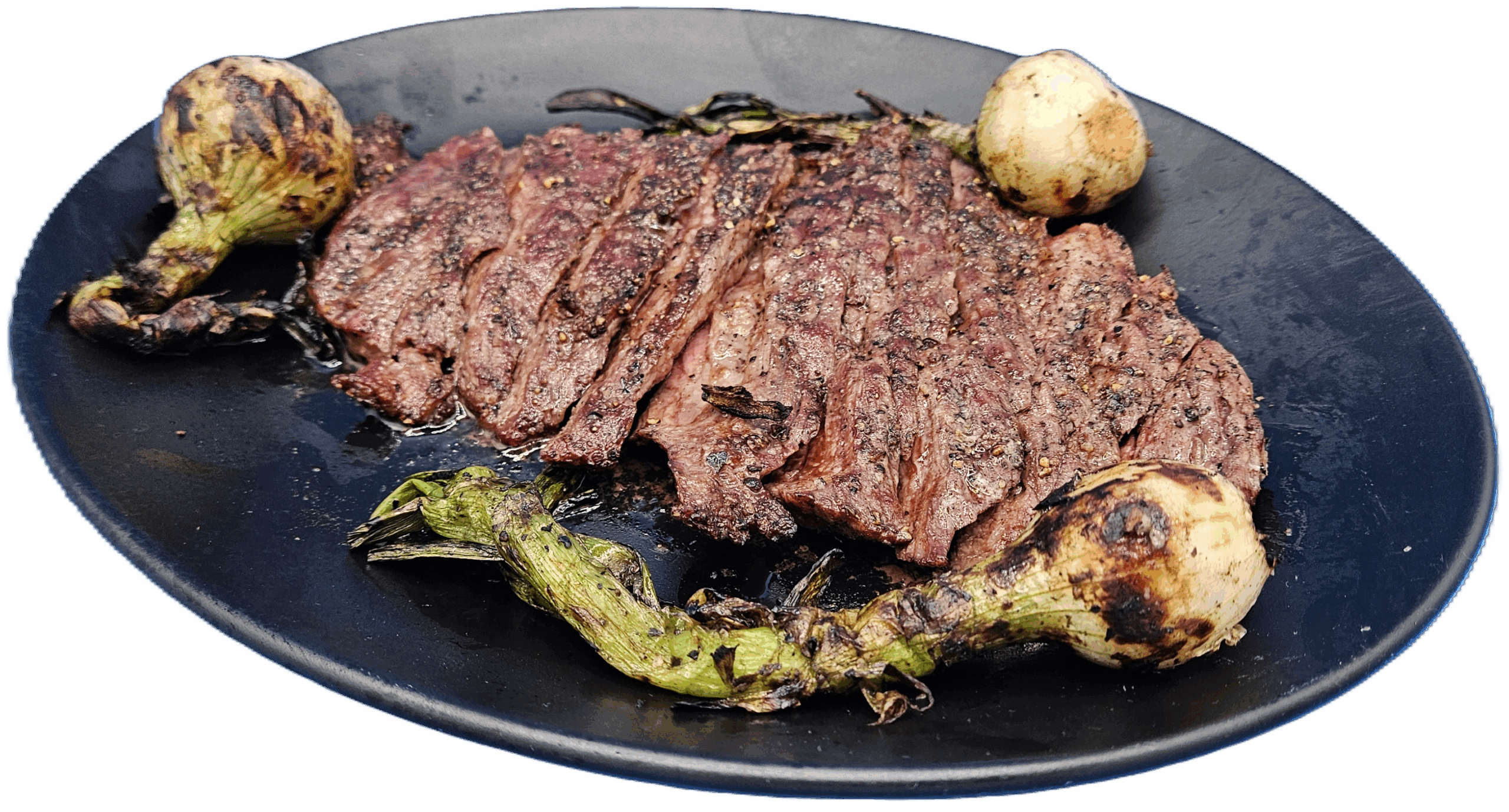
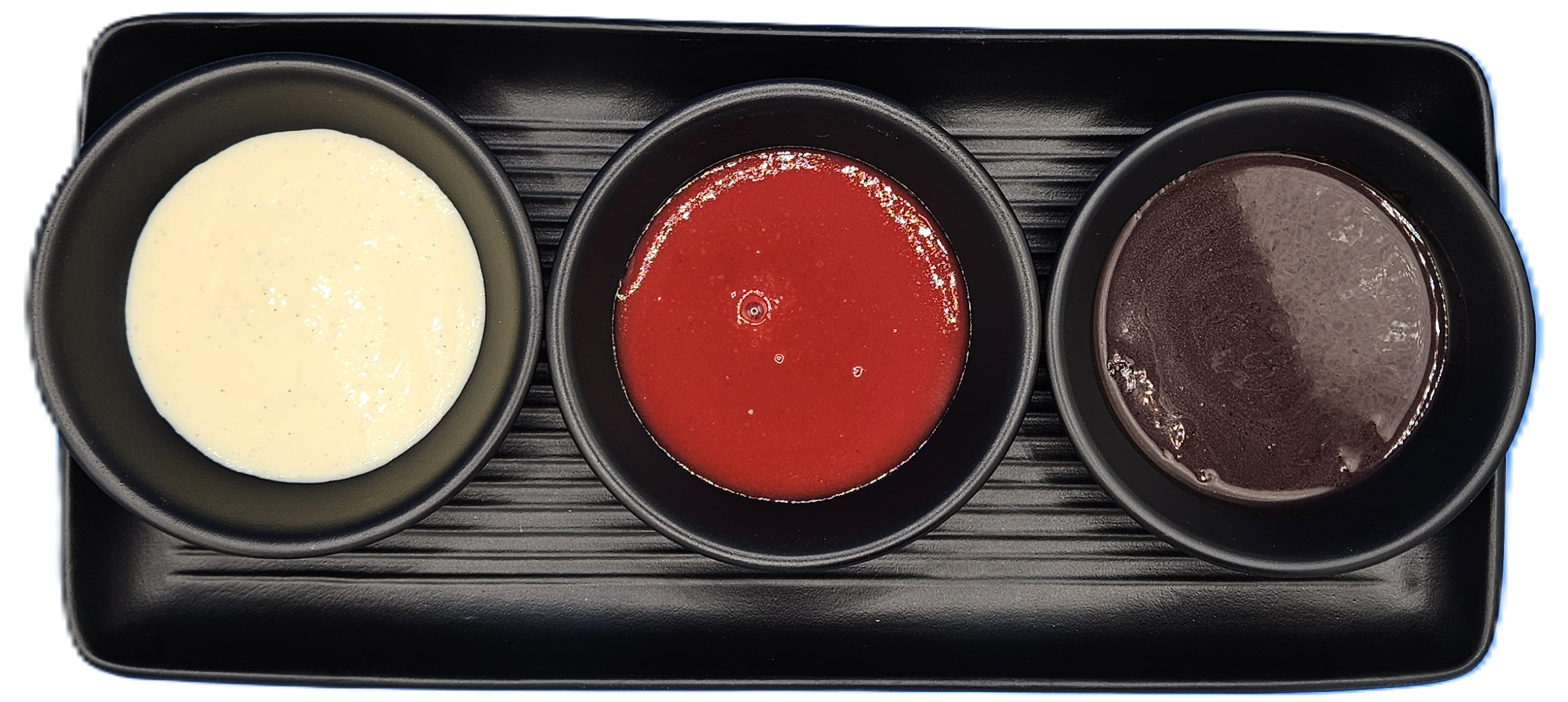
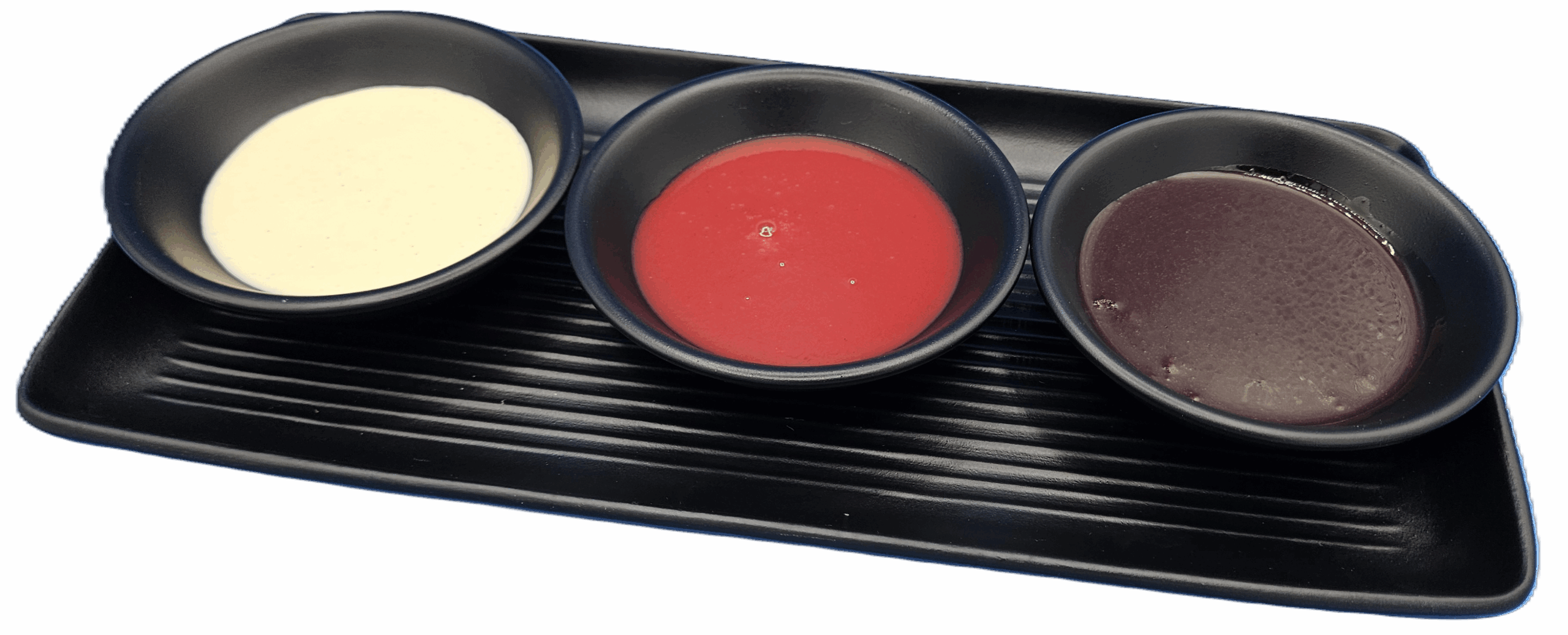
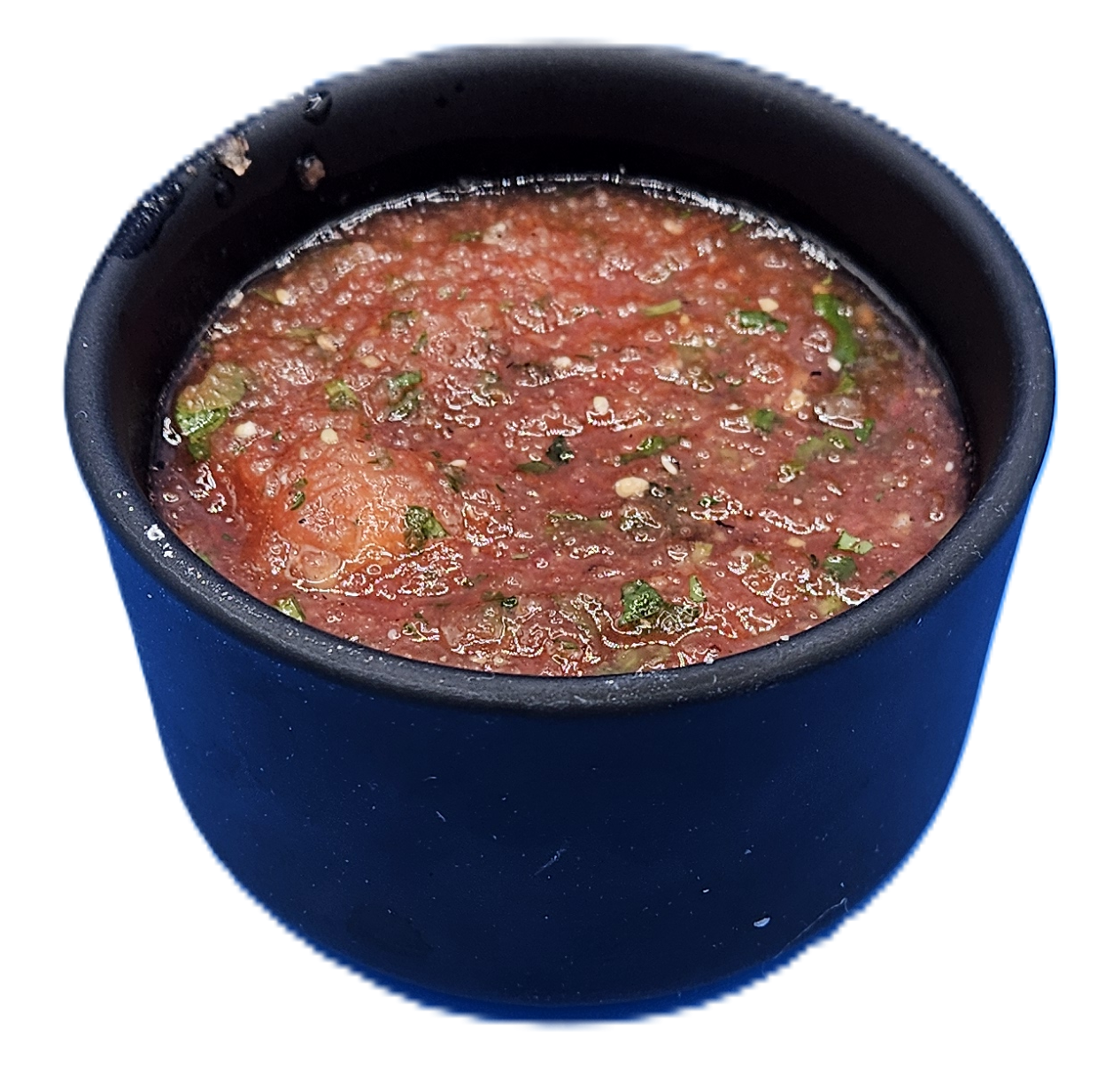
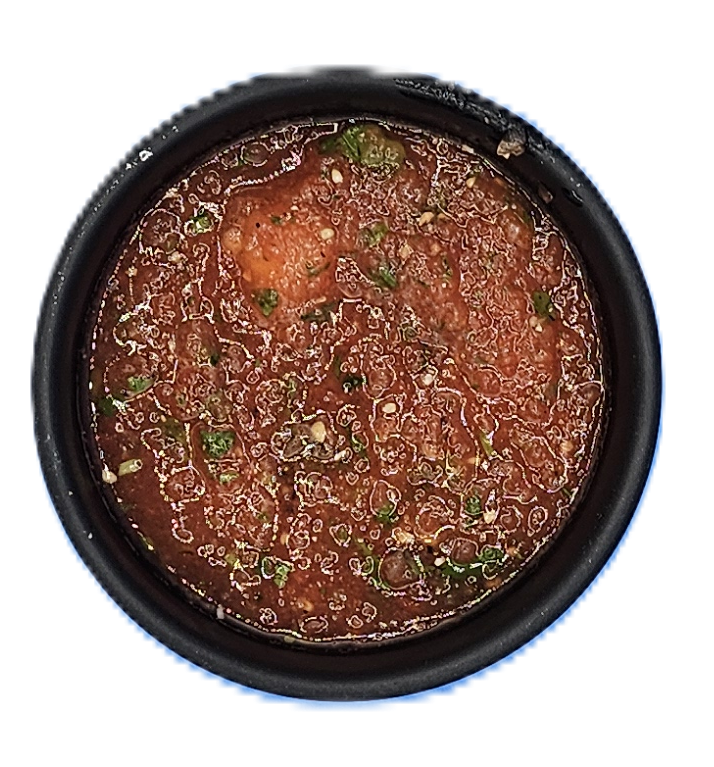
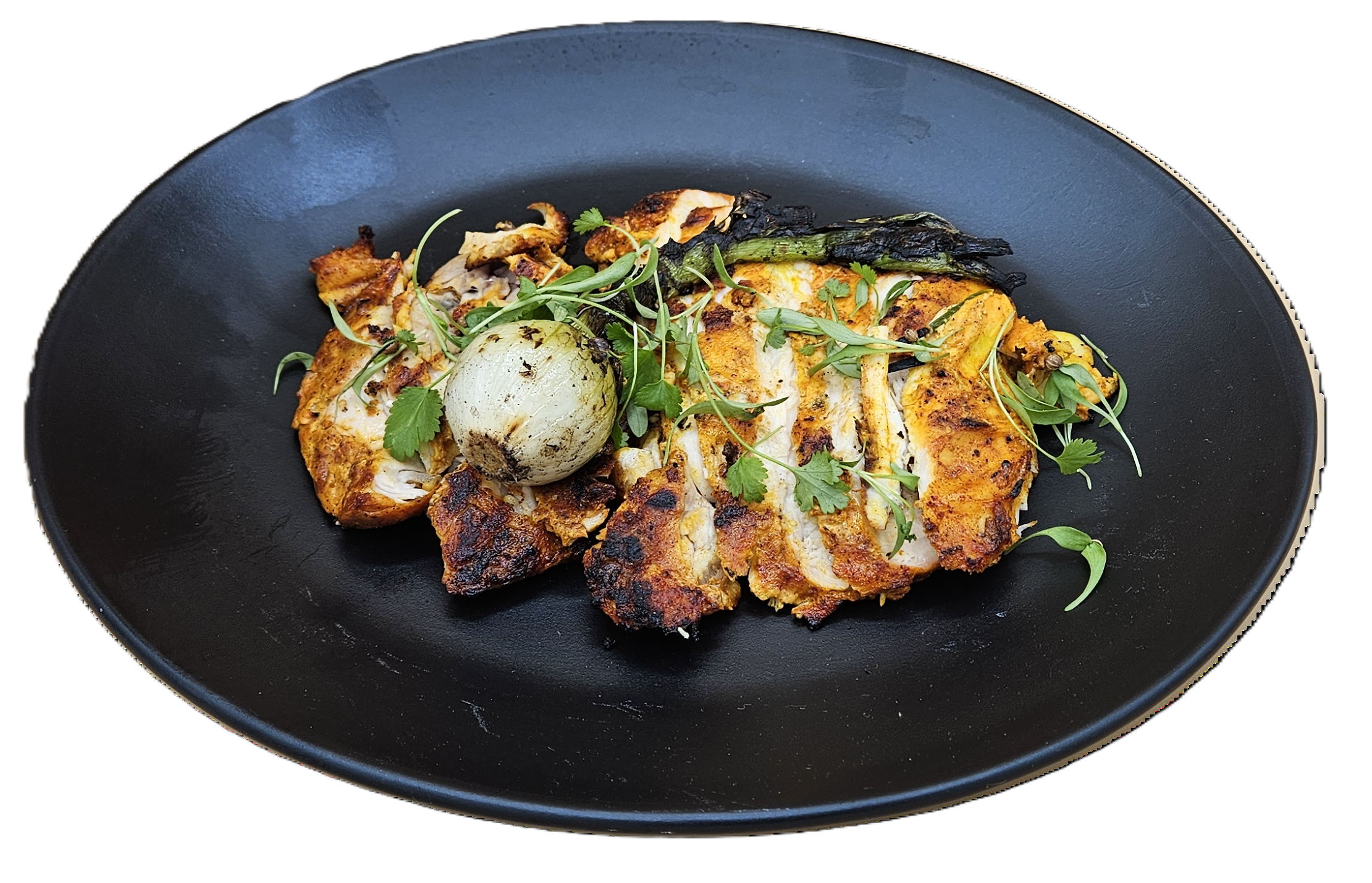
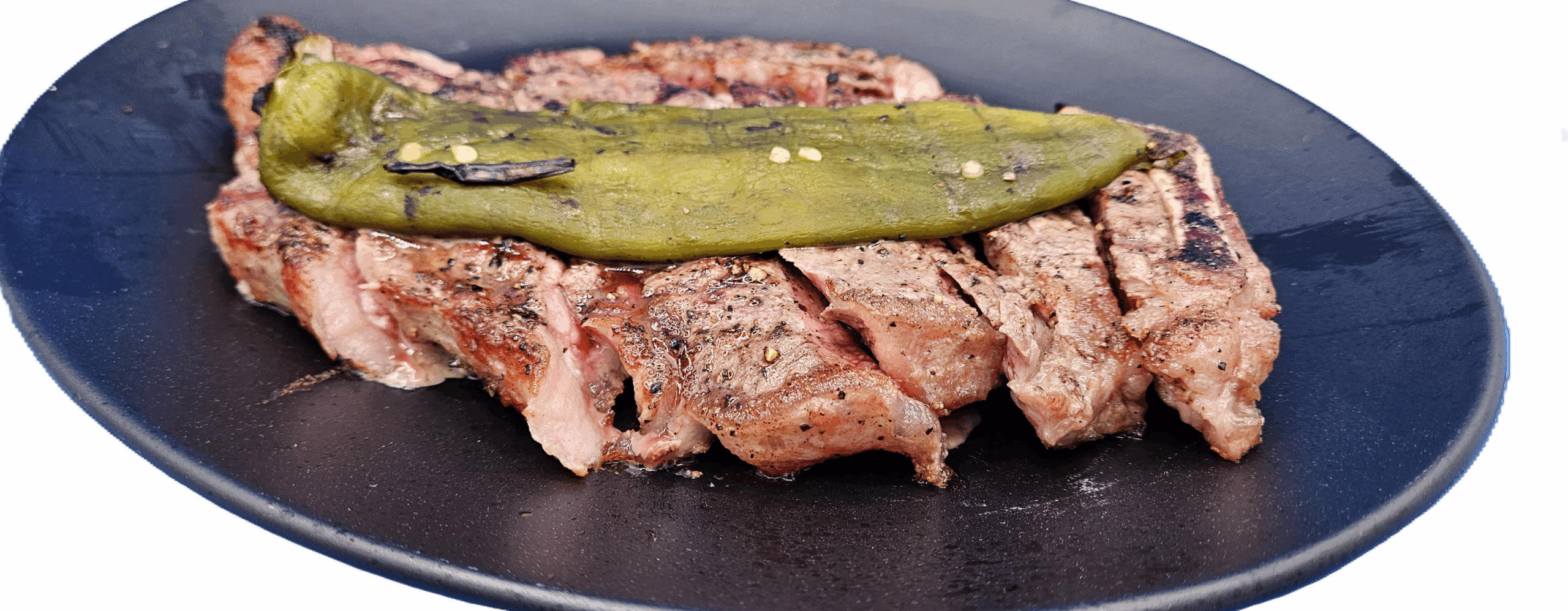
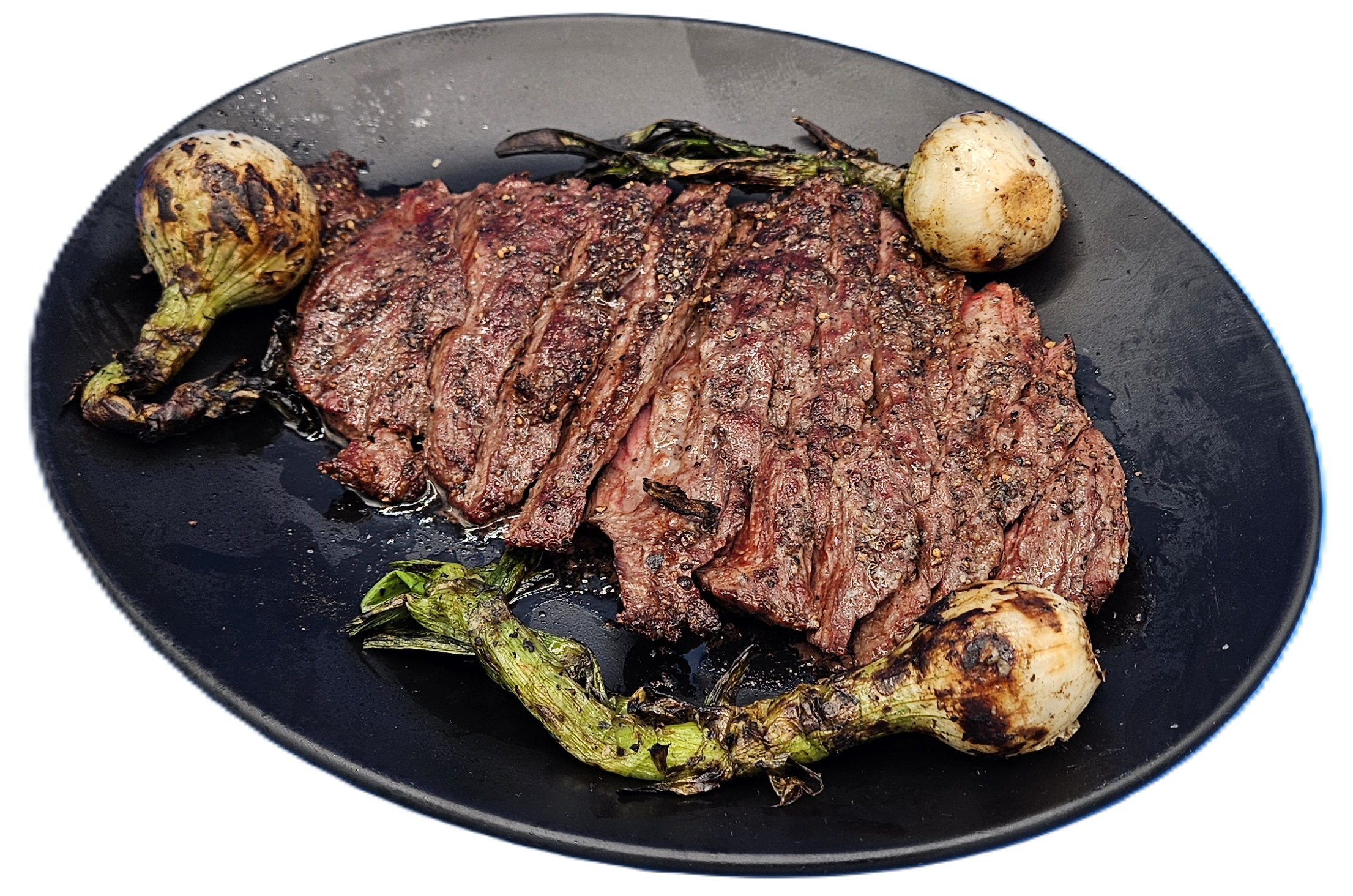
Here are some of the photos I took, with the background edited out, so the background is clear, so whatever you put these on, the plate or the food will stand out, and show the background of what you put it on. To demonstrate that, I’ve included a gallery with a black background first, and then one with the same photos with a white background, notice how the foold and plate pops against the background?
Some of the images have a small shade of blue, which will need more work to edit if you use these for marketing. I only did a quick AI “Remove background” with a little cropping.
To get the full version of these files go to https://drop.ui.com/5e725c03-08a3-4886-a74e-94ef2860f9a9 and the password is LetMeIn12 Inside of that folder, you will see a folder called
- Edited – These have the background edited. The filename is the same as the original with -edited added and inside these folders they are .png, as that is how we save for a clear background, the original version of this file is stored in the next folder:
- Original – The original unedited version of the same files in Edited.
- Not Edited – Untouched, and they have not been edited, so they are in this folder, to be edited.
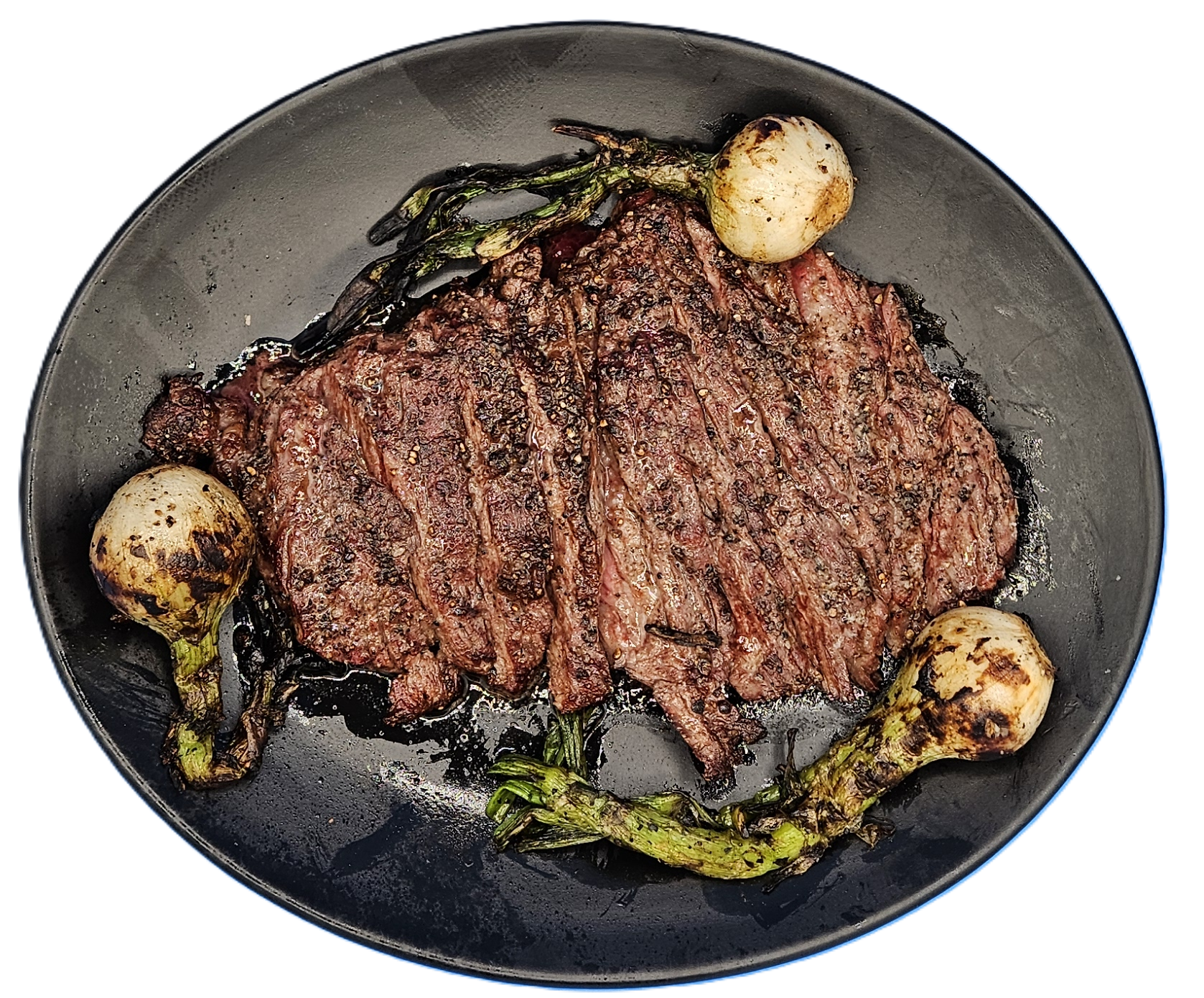
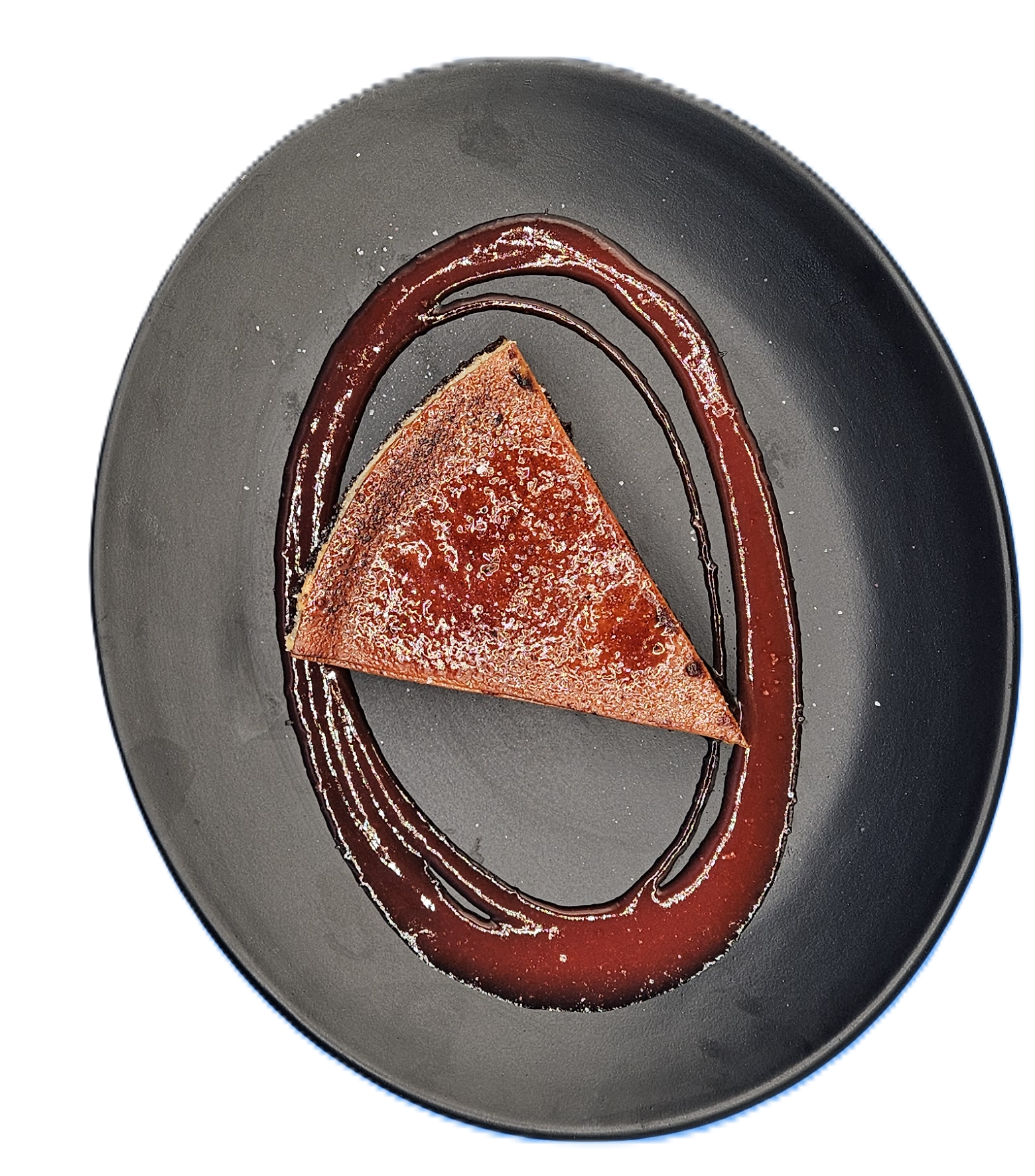
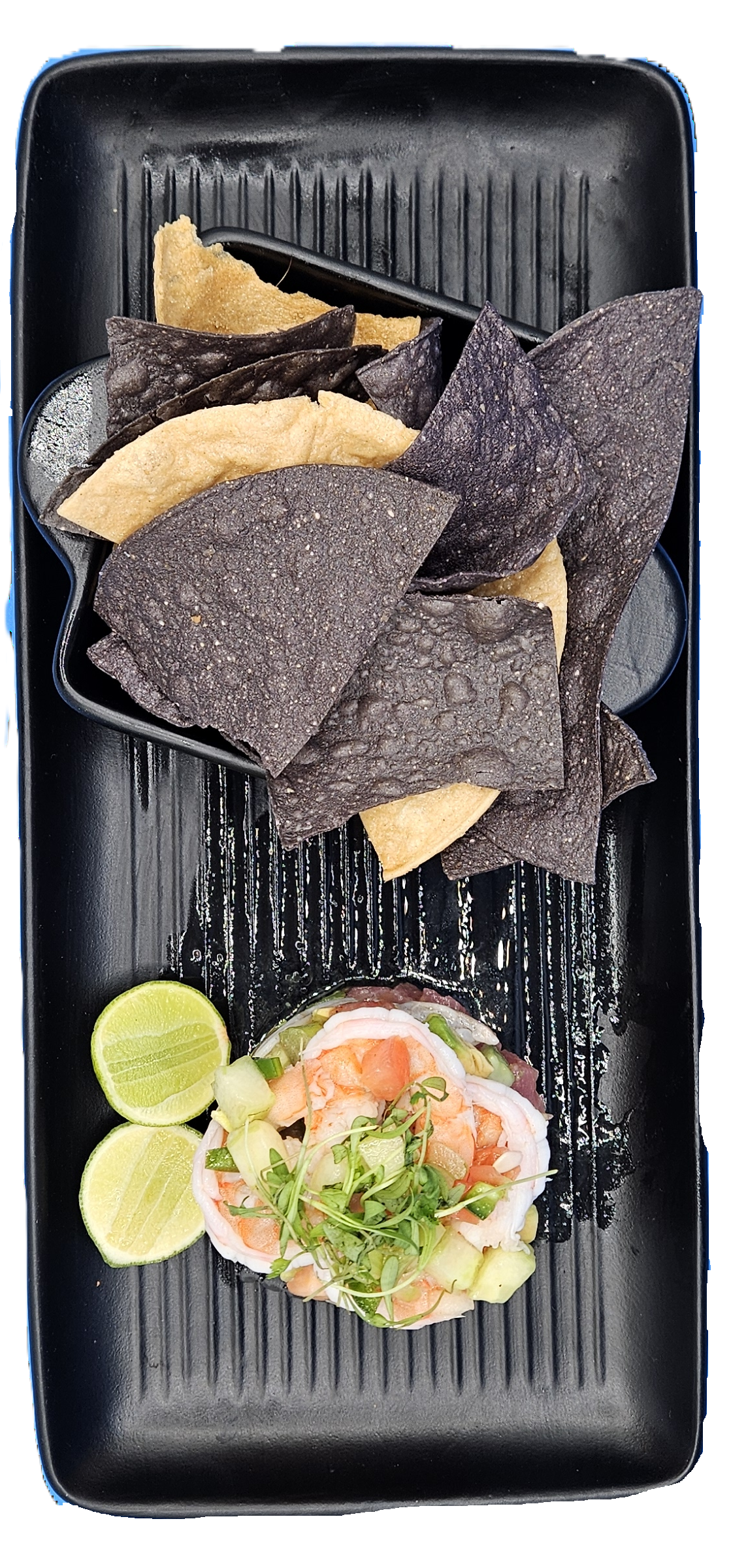
See the link above with password, to view all of the photos.